1
EN 14
4.
TPT1.1HA LA
Mechanical Instructions
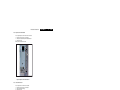
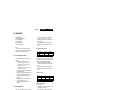
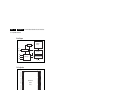
4.3.11 LCD Panel
Important: Be sure to work in a dust free environment during
the following activities. In addition, the use of (fabric) hand
gloves is advised.
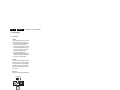
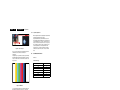
1
2
H_17010_007.eps
180907
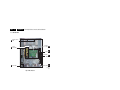
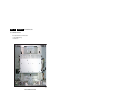
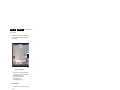
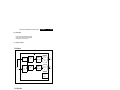
Figure 4-13 LCD panel removal
1. Place the TV set face down on the foam bars. Place the
bars at the edges of the set, so they will support the front
frame and not only the glass plate!
2. Remove subframe as described earlier.
3. Release the taped wire [1].
4. Lift the support rim from the set [2].
4.4
Set Re-assembly
To re-assemble the whole set, execute all processes in reverse
order.
Notes:
• While re-assembling, make sure that all cables are placed
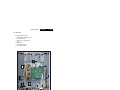
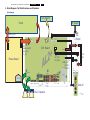
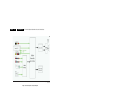
and connected in their original position. See figure “Cable
dressing”.
• Take care that all glued parts have been properly refixed
with appropriate glue again.
• Pay special attention not to damage the EMC foams at the
SSB shielding. Check that EMC foams are put correctly on
their places.