1
Accessories
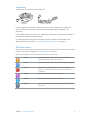
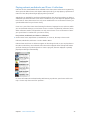
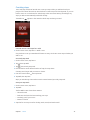
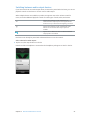
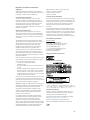
The following accessories come with iPod nano:
Apple EarPods
Lightning to USB Cable
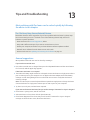
Use the Lightning to USB Cable to connect iPod nano to your computer, sync content, and
charge the battery. You can also use the cable with the Apple USB Power Adapter (sold
separately).
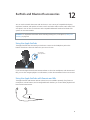
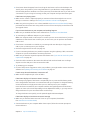
Use the Apple EarPods to listen to music, audiobooks, and podcasts. The EarPods also double as
an antenna for listening to radio broadcasts.
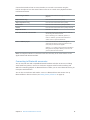
For information about using accessories with iPod nano, including optional headsets and
Bluetooth® devices, see Chapter 12, EarPods and Bluetooth accessories, on page 51.
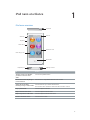
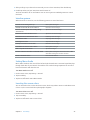
The Home screen
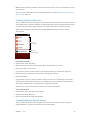
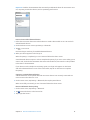
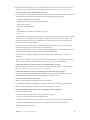
When you turn on iPod nano, you see the Home screen. Tap an icon on the Home screen to open
it, then use gestures to navigate (see Using Multi-Touch on page 9).
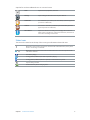
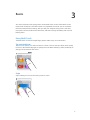
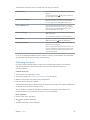
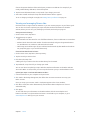
You’ll see these Home screen icons when you first turn on iPod nano:
Music
Provides quick access to your music and other audio content
organized by playlists, artists, songs, and more.
Videos
Provides quick access to your movies and videos, organized by type.
Fitness
Opens the Fitness feature, where you can count your steps for
walks or runs and track time, distance, pace, and calories burned
for workouts.
Podcasts
Lists the podcasts synced from your iTunes library.
Photos
Displays the photos synced from your computer.
Radio
Opens the FM radio tuner, if EarPods or headphones are connected
to iPod nano.
Chapter 1    iPod nano at a Glance
5