1
䢇
䢇
䢇
䢇
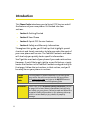
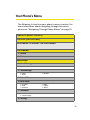
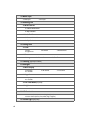
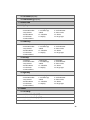
Go to URL. Allows you to navigate directly to a Web site by
entering its URL (Web site address).
View History. Keeps a list of links to your most recently
visited sites. To navigate to a site, highlight it, press
,
and then select Connect.
Refresh this page. Reloads the current Web page.
More. Displays additional options:
䡲 Show URL. Displays the URL (Web site address) of the
site you're currently viewing.
䡲 Restart Browser. Refreshes the current browser
session.
䡲 About Browser. Displays technical information about
the browser, its version, and the encryption version,
and provides links to Certificate Information for the
various components.
䡲 Preferences. Displays all the preferences available for
the browser.
Creating a Bookmark
Bookmarks allow you to store the addresses of your favorite
Web sites for easy access at a later time.
To create a bookmark:
1. Go to the Web page you want to mark.
2. Press Menu (
) to open the browser menu.
3. Select Mark this Page and press
to save the
bookmark.
4. Press
Note:
to exit the pop-up screen.
Bookmarking a page does not store the page’s contents, just
its address.
Some pages cannot be bookmarked. Whether a particular
Web page may be marked is controlled by its creator.
148
Section 3B: Sprint PCS Vision