1
GETTING STARTED
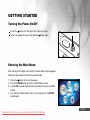
Turning the Power On/Off
Press the
button until the digital still camera turns on.
To turn the power off, press and hold the
button again.
Entering the Main Menu
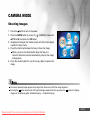
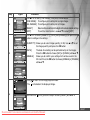
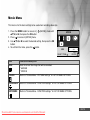
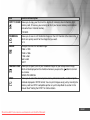
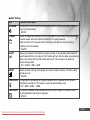
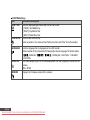
After turning on the digital still camera, the Main Menu screen appears.
Follow the steps below to select the desired mode:
1. Press the
button to turn on the power.
2. Press the MODE button to access in Main Menu screen
3. Use t ,u,▼, or ▲ to choose the desired mode, then press the OK
button.
4. For returning to Main Menu from each mode, press the MODE
button again.
EN-23
Downloaded From camera-usermanual.com Sealife Manuals