1
14. Provisioning the iMG/RG
Provisioning Guidelines for Models
14.8.5 iMG with WAN 1G Module
Products such as the AT-iMG7x6MOD can support the same card configuration as the AT-iMG6x6MOD, described in
14.5.7. In addition, it can support the following:
• 1 Gigabit Bidirectional WAN Module
• 1 Gigabit Bidirectional WAN Module with a Gigabit LANRJ-45 connection, allowing both the LAN and WAN ports to be
configured on one module. (See notes)
Note:
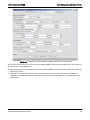
When provisioning using the NMS, the user will configure the LAN connection on the WAN module as G-Lan.
Note:
Inserting the WAN card with the copper LAN interface disables the interface to the DS1/T1 card, and so the DS1/E1 card
cannot be used.
Note:
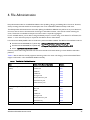
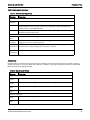
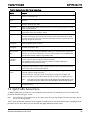
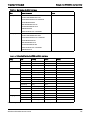
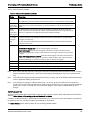
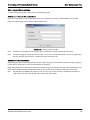
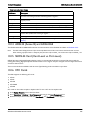
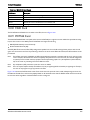
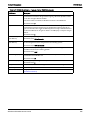
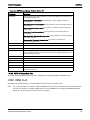
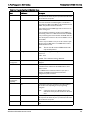
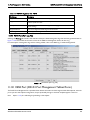
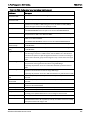
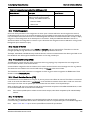
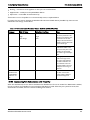
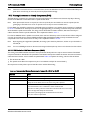
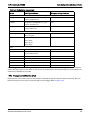
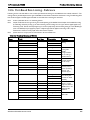
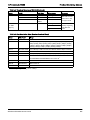
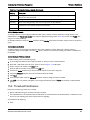
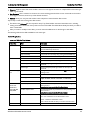
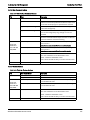
When either of the 1 Gigabit WAN cards is configured, the connection to the iMAP can only be with certain GE interfaces, as
follows.Refer to 14.8.5.1.
Note:
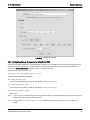
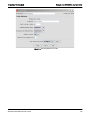
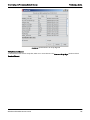
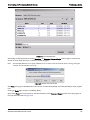
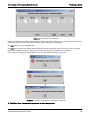
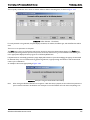
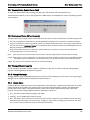
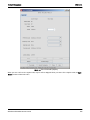
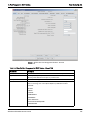
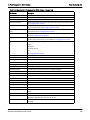
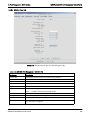
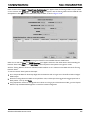
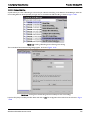
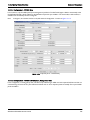
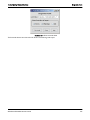
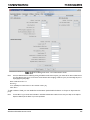
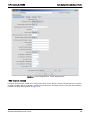
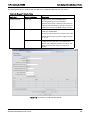
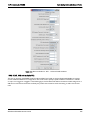
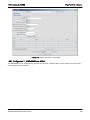
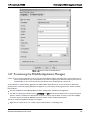
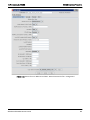
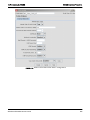
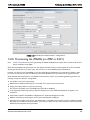
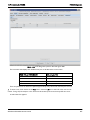
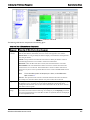
To provision the iMG/RG off the GE interface and have DHCP forwarding work, the Etherlike port Profile now includes the
field Direction (either Network or Customer), in which the Direction is set to Customer. Refer to 14.8.5.1.
• Support of the HPNA 320 Module
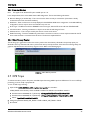
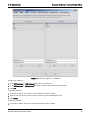
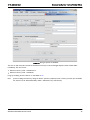
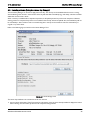
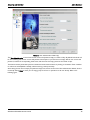
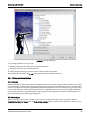
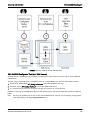
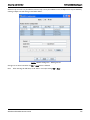
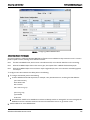
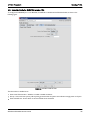
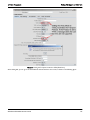
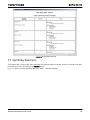
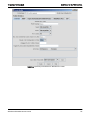
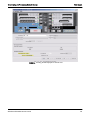
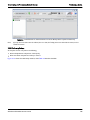
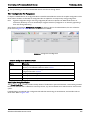
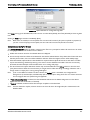
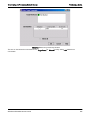
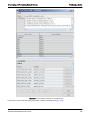
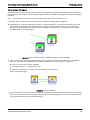
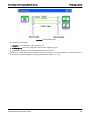
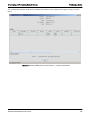
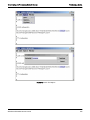
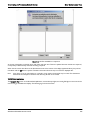
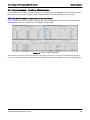
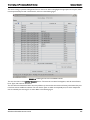
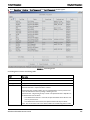
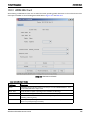
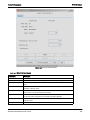
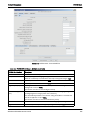
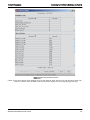
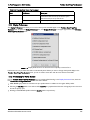
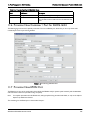
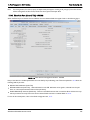
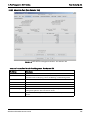
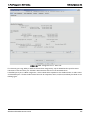
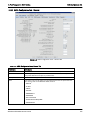
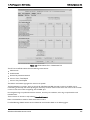
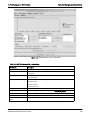
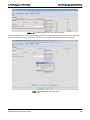
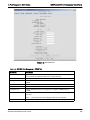
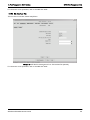
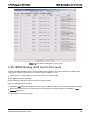
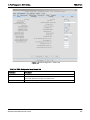
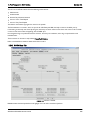
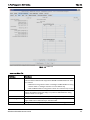
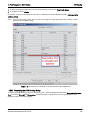
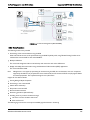
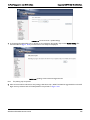
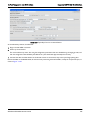
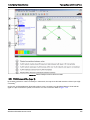
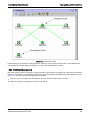
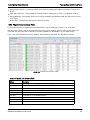
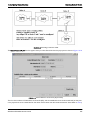
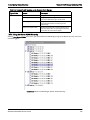
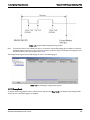
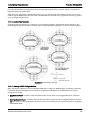
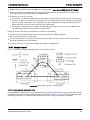
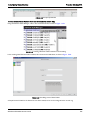
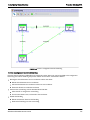
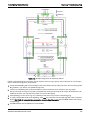
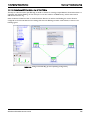
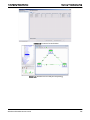
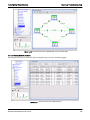
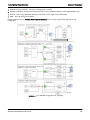
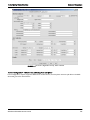
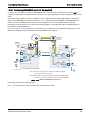
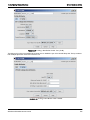
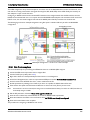
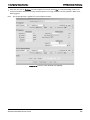
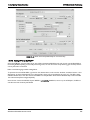
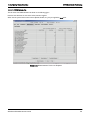
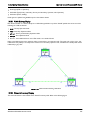
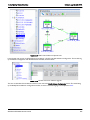
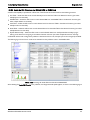
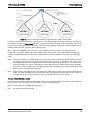
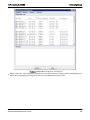
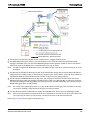
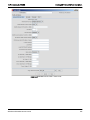
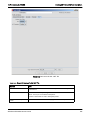
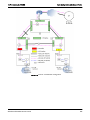
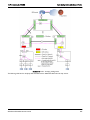
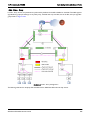
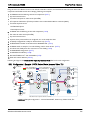
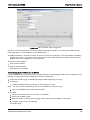
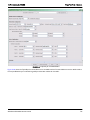
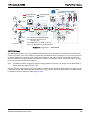
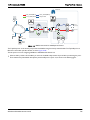
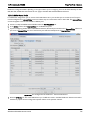
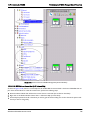
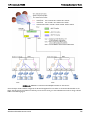
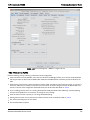
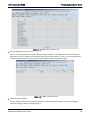
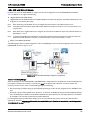
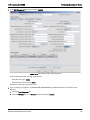
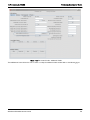
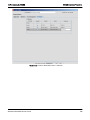
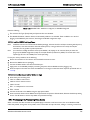
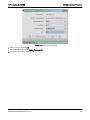
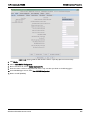
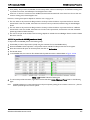
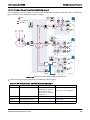
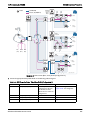
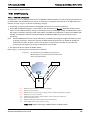
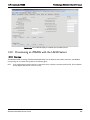
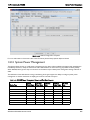
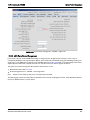
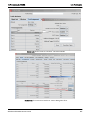
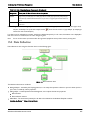
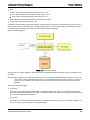
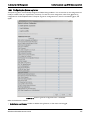
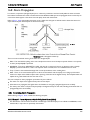
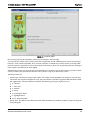
The following figure shows a sample configuration. This is a simplified figure, since the VLAN configuration is the same as the
iMG6x6MOD, as shown in Figure 14-79.
FIGURE 14-120
Example iMG7x6MOD Configuration (Simplified)
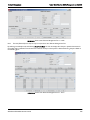
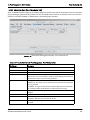
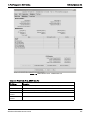
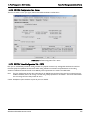
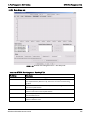
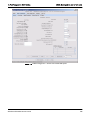
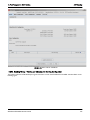
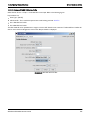
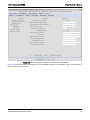
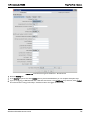
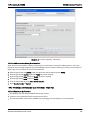
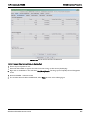
14.8.5.1 Provisioning Changes
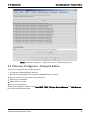
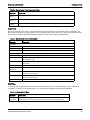
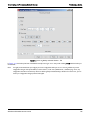
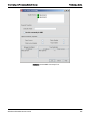
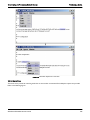
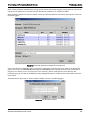
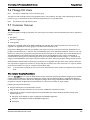
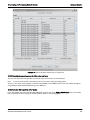
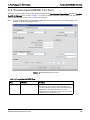
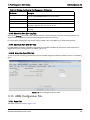
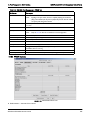
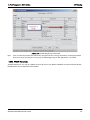
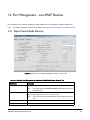
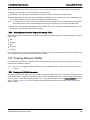
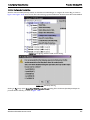
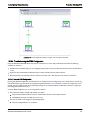
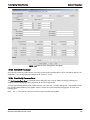
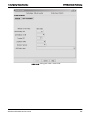
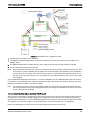
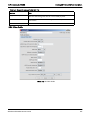
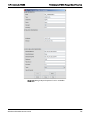
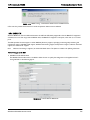
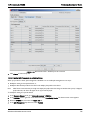
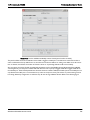
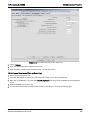
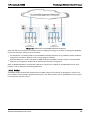
When the iMG (such as the iMG7x6MOD or iMG726BD-ON) is configured with a 1G WAN card, the associated iMAP card
must support a direction of Customer, so the GE port must be configured with a direction of customer (rather than
network.). To allow for this, there are the following changes in provisioning:
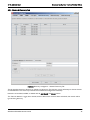
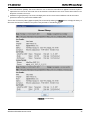
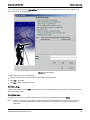
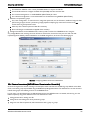
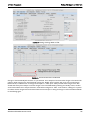
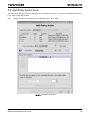
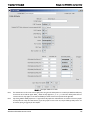
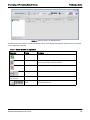
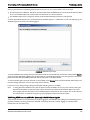
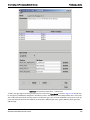
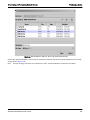
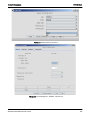
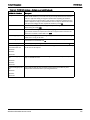
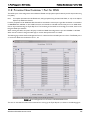
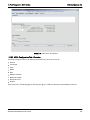
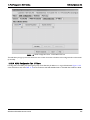
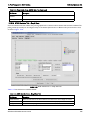
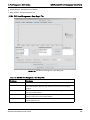
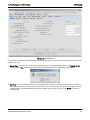
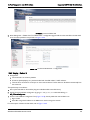
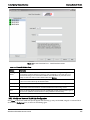
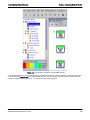
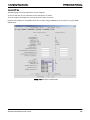
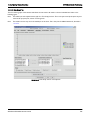
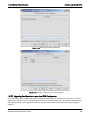
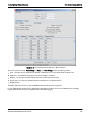
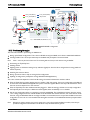
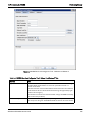
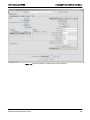
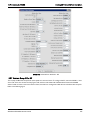
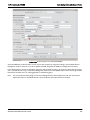
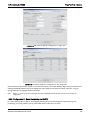
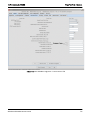
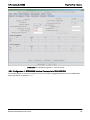
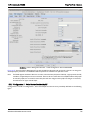
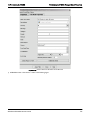
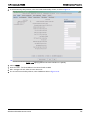
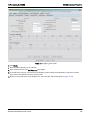
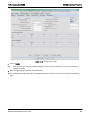
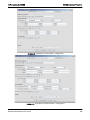
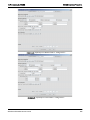
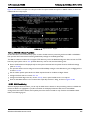
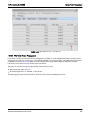
• The provisioning of a GE port brings up the Triple-Play provisioning to allow for the configuration of an iMG/RG on that
port.
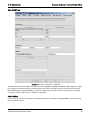
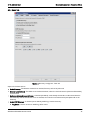
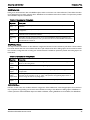
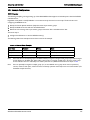
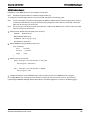
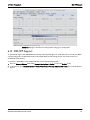
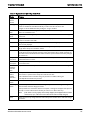
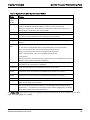
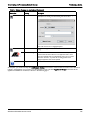
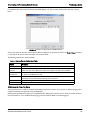
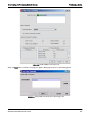
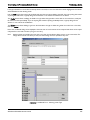
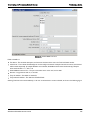
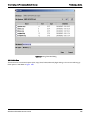
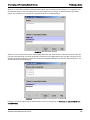
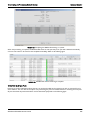
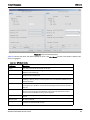
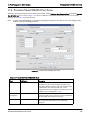
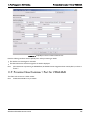
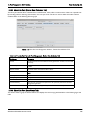
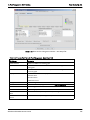
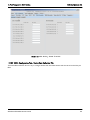
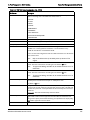
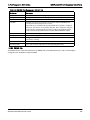
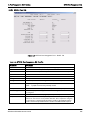
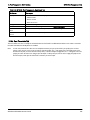
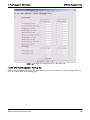
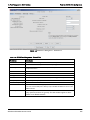
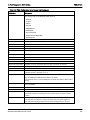
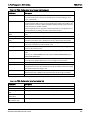
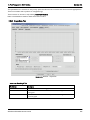
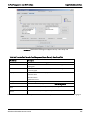
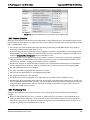
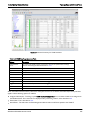
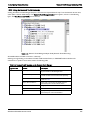
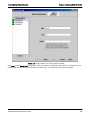
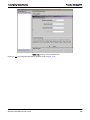
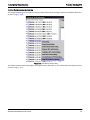
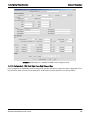
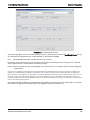
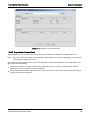
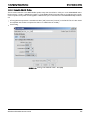
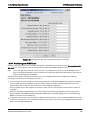
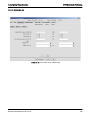
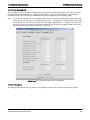
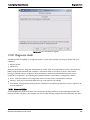
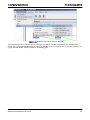
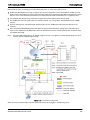
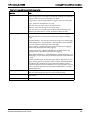
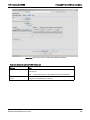
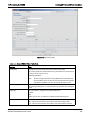
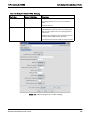
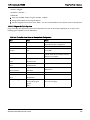
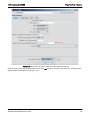
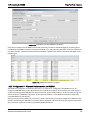
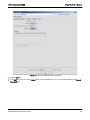
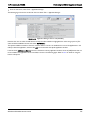
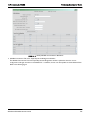
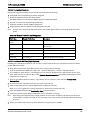
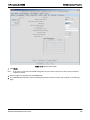
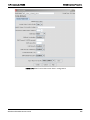
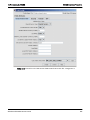
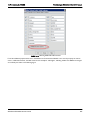
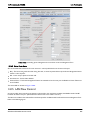
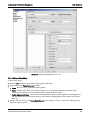
• Previously, a GE port was by default set to “Network”. To provision an iMG/RG off the port and have DHCP forwarding
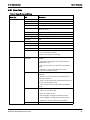
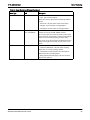
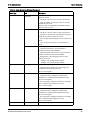
work, the Etherlike port Profile now includes the field Direction (either Network or Customer). Moreover, the default
for this field is now Customer (rather than the implicit Network).
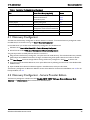
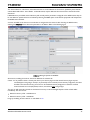
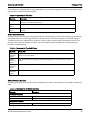
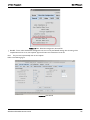
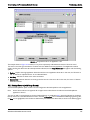
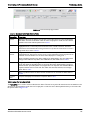
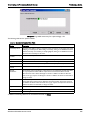
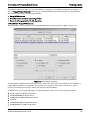
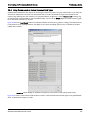
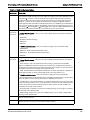
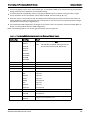
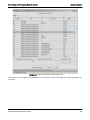
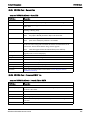
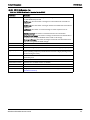
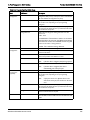
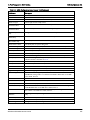
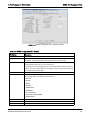
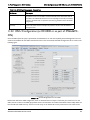
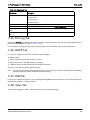
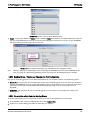
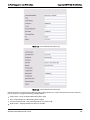
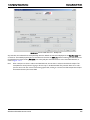
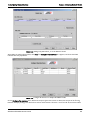
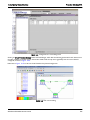
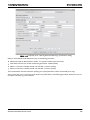
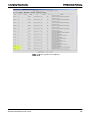
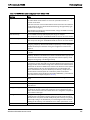
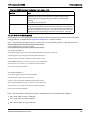
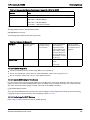
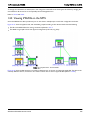
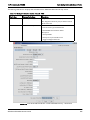
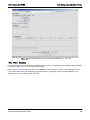
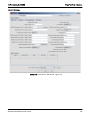
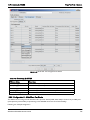
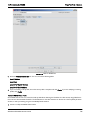
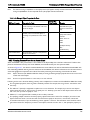
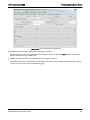
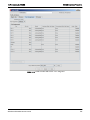
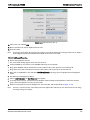
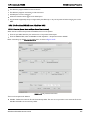
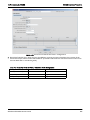
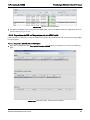
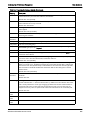
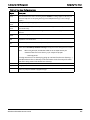
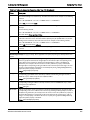
For existing Ethernet port profiles these changes are not an issue, because they will not have the port direction field
explicitly set. However, new port profiles should be created with the port direction set to match the provisioning scenario
in which they will be used, as follows:
AlliedView NMS Administration Guide
770