1
Getting Started
Loading Roll Media
Loading Roll Media
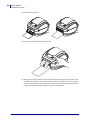
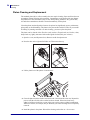
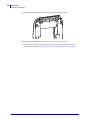
When you load media, you must place the roll onto the media hangers.
You must use the correct media for the type of printing you require.
Preparing Media
Whether your roll media is inside or outside wound, you load it into the printer the same way.
• Remove the outside length of media. During shipment, handling, or storage, the roll may
become dirty or dusty. Removing the outside length of media avoids dragging adhesive or
dirty media between the printhead and platen.
8/4/10
GK420d™ User Guide
980608-001 Rev. C
11