1
AXIS P5532 PTZ Dome Network Camera
Troubleshooting
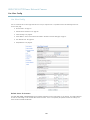
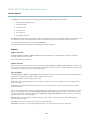
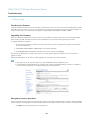
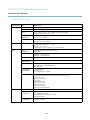
No audio
Incorrect setup
Check the sound card in the computer. Ensure that mute is not selected and that the volume
settings are correct.
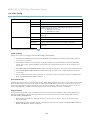
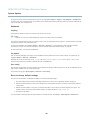
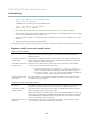
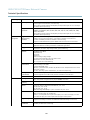
No audio or very poor audio
quality
Check that Enable audio support is selected under Setup > System Options > Security > Audio
Support.
Check that the correct Audio Input source is selected under Setup > Video & Audio > Audio
Settings.
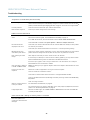
Poor audio quality
CPU overloaded
Reduce the number of listeners and viewers. Decrease image resolution and compression.
Unsynchronized audio and
video
Synchronize the product’s date and time settings with an NTP server. Go to Setup > System
Options > Date & Time.
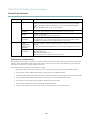
Distorted audio
Check that the correct Audio Input source is selected under Setup > Video & Audio > Audio
Settings.
Feedback loops
Feedback loops might appear in full-duplex mode. Try moving the microphone or the speaker, or
use half-duplex mode instead.
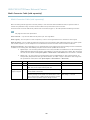
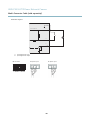
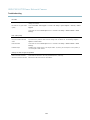
Storage and disk management problems
Video cannot be recorded
Check that the SD card is not write protected (that is, read only).
SD card cannot be mounted
Reformat the SD card and then click Mount.
53