1
DiBos
Operating Manual
43
Operating procedures - playback mode
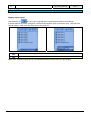
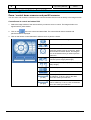
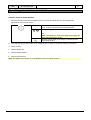
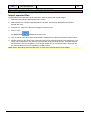
Search for additional data
You can search all the cameras displayed in the image area or all connected cameras for additional data
here.
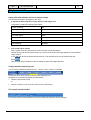
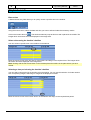
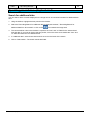
1. Using the hairline, highlight the time period on the timeline.
2. Select the "Recording/Search for additional data of displayed cameras", "Recording/Search for
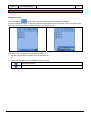
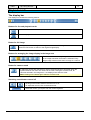
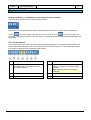
additional data from all cameras" or click on the
icon beneath the image area.
3. The current hairline value in the timeline is copied to the "from" and "to" fields for the start and end
time and date. If you want to change the time period, click on the down arrow beside the "from" and
"to" fields and select the new date and time.
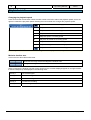
4. In "Additional data", select those criteria which are to form the basis of the search.
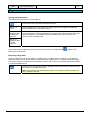
5. Click on "Start search". The search results are listed.
Bosch Security Systems
A1/2005-09
F.01U.512.560