1
DolphinC2_GBcopy_F_FM.book Page 25 Friday, February 4, 2005 3:32 PM
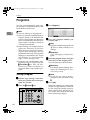
Basic Procedure
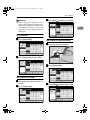
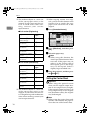
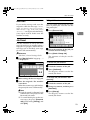
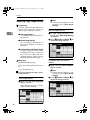
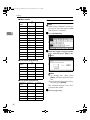
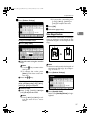
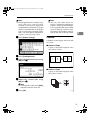
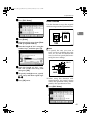
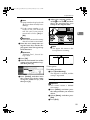
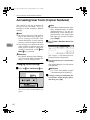
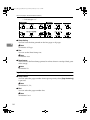
E Press the {Interrupt}} key again.
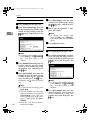
A Press [Bypass].
The Interrupt key indicator goes off.
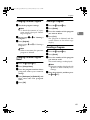
Resuming the previous copy job
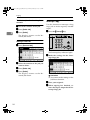
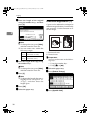
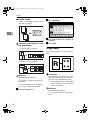
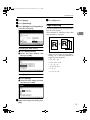
A Place your originals, and then
press the {Start}
} key.
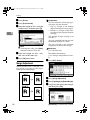
2
Exiting interrupt copy
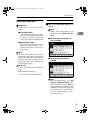
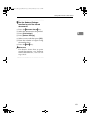
A Press the {Clear Modes}
} key.
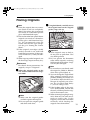
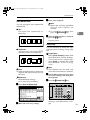
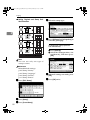
Copying from the Paper Bypass
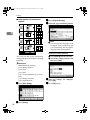
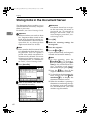
Use the paper bypass to copy onto paper sizes that cannot be loaded on the
paper rolls, or cut sheet paper.
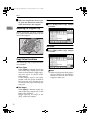
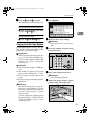
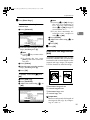
B Make the necessary settings.
Reference
See explanations of each function.
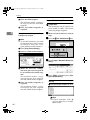
C Enter the number of copies using
the number keys.
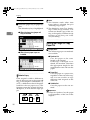
Preparation
When copying from the paper bypass, you can make multiple copies for a single original. Specify the
number of copies using the
number keys.
Limitation
❒ The maximum length is 2000 mm
(78").
❒ The width for paper in the paper
bypass is 210 – 914 mm (81/2" – 36").
❒ Do not copy on both sides of the
paper.
❒ Do not use paper already copied or
printed on.
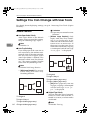
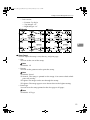
AHD041S
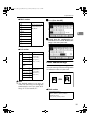
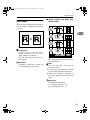
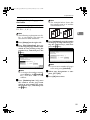
D Place your original and scan it.
Reference
p.15 “Placing Originals”
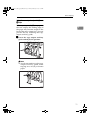
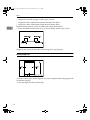
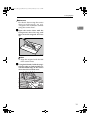
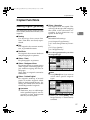
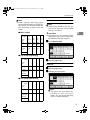
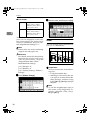
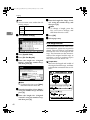
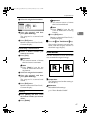
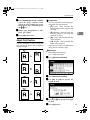
E Adjust the paper bypass's paper
guides to the size of the paper.
Reference
For details about paper type, orientation, and number of sheets
that can be placed in the paper bypass, see “Copy Paper”, General
Settings Guide.
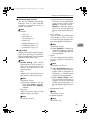
You can specify the paper type for
the paper bypass in advance. See
“Paper Type: Bypass Tray”, General Settings Guide.
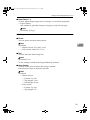
AGL058S
25