1
Settings
•
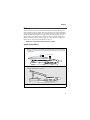
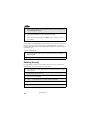
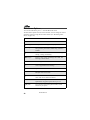
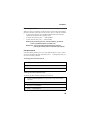
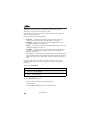
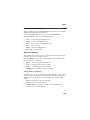
VibeAll — choosing On sets the phone to vibrate for all calls, messages,
and alerts; choosing Off enables you to set the type of notification for each
of these features
Ring Style and Notification Type
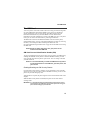
When you set VibeAll to On, your phone vibrates to notify you of all types of
calls, messages, and alerts.
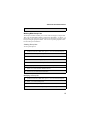
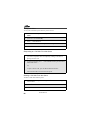
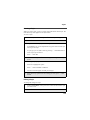
When you set VibeAll to Off, the following features display after VibeAll on
the Ring/Vibrate screen, enabling you to set notification options for each:
•
•
•
•
•
•
•
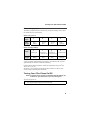
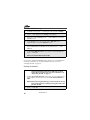
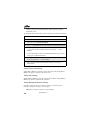
Line 1 — sets the ring style and type of notification for calls on Line 1
Pvt — sets type of notification for Private Calls
Call Alert — sets the ring style and type of notification for Call Alerts
Text Msgs — sets type of notification for Text Messages
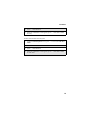
Reminder — sets type of notification for Datebook reminder alarms
Voice Mail — sets type of notification for Voice Mail messages
Net Alert — sets type of notification for Net Alert messages
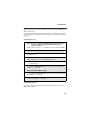
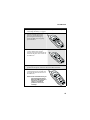
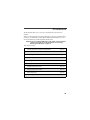
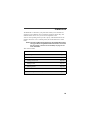
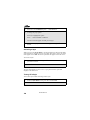
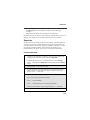
To set VibeAll to Off or On:
1
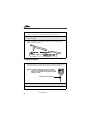
From the Ring/Vibrate screen, press S to scroll to VibeAll.
2
Press B under CHANGE.
3
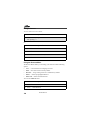
Press S to scroll to Off or On.
4
Press B under SELECT.
111