1
CD-G10000V
CP-G10000
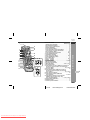
General control
ENGLISH
1
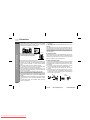
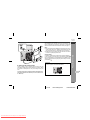
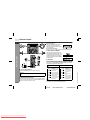
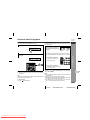
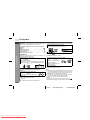
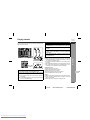
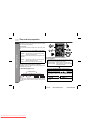
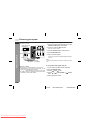
! Volume control
Main unit operation:
When the VOLUME control is turned
clockwise, the volume will increase.
When it is turned anti-clockwise, the vol0 ..... 30 MAXIMUM
ume will decrease.
Remote control operation:
Press the VOL (+ or -) button to increase or decrease the volume.
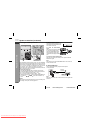
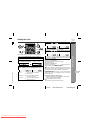
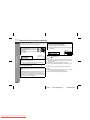
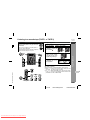
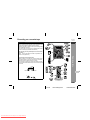
! Bass control (X-BASS)
Basic Operation
When the power is first turned on, the
unit will enter the extra bass mode which
emphasises the bass frequencies, and
"X-BASS" will appear. To cancel the extra bass mode, press the X-BASS/DEMO
(X-BASS) button.
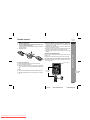
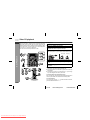
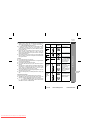
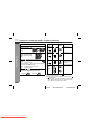
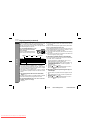
! Equaliser
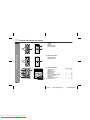
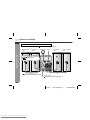
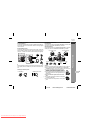
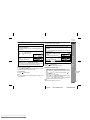
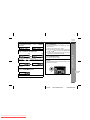
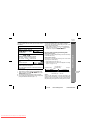
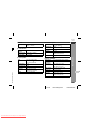
When the EQUALIZER (EQUALIZER MODE) button is pressed, the
current mode setting will be displayed. To change to a different
mode, press the EQUALIZER (EQUALIZER MODE) button repeatedly until the desired sound mode appears.
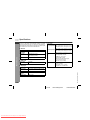
In CD/Video CD/TUNER/TAPE In GAME/VIDEO mode
mode
FLAT
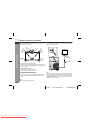
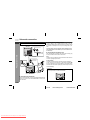
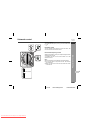
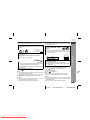
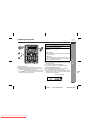
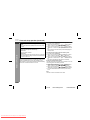
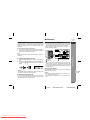
! To turn the power on
Press the ON/STAND-BY button to turn the power on.
When the power is turned on, light illuminates around the display.
To turn on/off the light, hold down the CLEAR/DIMMER button on
the remote control for 2 seconds or more.
E-17
CLASSIC
Bass and treble are
slightly emphasised.
Vocals (midrange
tones) are emphasised.
Treble is slightly
emphasised.
SPORTS
POPS
JAZZ
ACTION
RACING
The sound is not
modified.
Bass and treble
are emphasised.
Treble is cut a
little.
Bass is emphasised.
Vocals and treble
are emphasised.
Bass and treble are
emphasised more.
Note:
If the EQUALIZER (EQUALIZER MODE) button is pressed in the
extra bass mode, it will be cancelled automatically.
04/3/22
Downloaded From Disc-Player.com Sharp Manuals
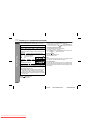
FLAT
ROCK
CLASSIC Treble is cut a little.
VOCAL
! Illumination light control
The sound is not
modified.
Bass and treble are
emphasised.
CD-G10000V(Z)E2.fm
TINSZA092AWZZ
SHARP TINSZA092AWZZ (Z)
After use:
Press the ON/STAND-BY button to enter the power stand-by
mode.
ROCK