1
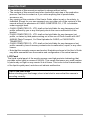
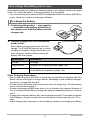
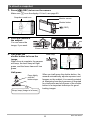
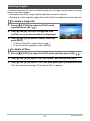
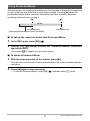
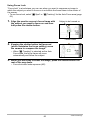
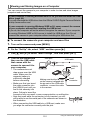
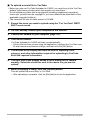
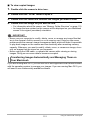
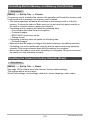
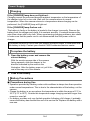
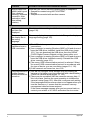
To load the battery
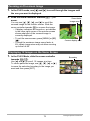
1.
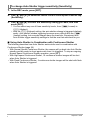
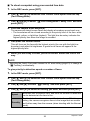
Open the battery cover.
1
Slide the battery cover slider towards OPEN and
then open it as indicated by the arrows in the
illustration.
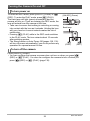
2.
2
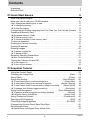
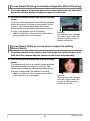
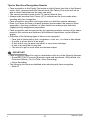
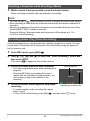
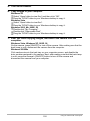
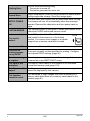
Load the battery.
Stopper
With the EXILIM logo on the battery
facing upwards (in the direction of the
monitor screen), hold the stopper next
to the battery in the direction indicated
by the arrow as you slide the battery
into the camera. Press the battery in
until the stopper secures it in place.
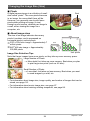
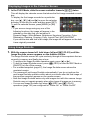
3.
Battery
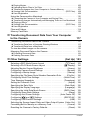
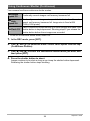
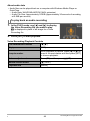
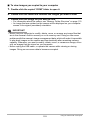
Close the battery cover.
2
Close the battery cover and then shift the slider
towards LOCK.
1
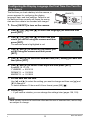
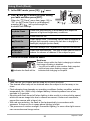
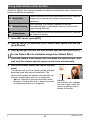
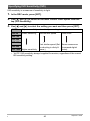
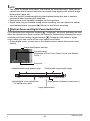
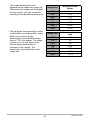
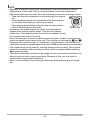
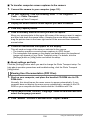
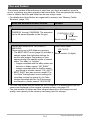
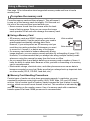
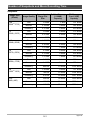
Checking Remaining Battery Power
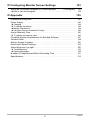
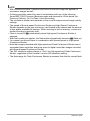
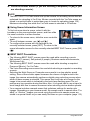
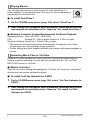
As battery power is consumed, a battery indicator on the monitor screen indicates
remaining power as shown below.
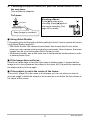
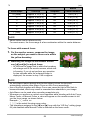
Remaining Power
High
Battery Indicator
Indicator Color
Cyan
Low
*
*
* Amber
*
*
Red
*
Red
indicates battery power is low. Charge the battery as soon as possible.
Recording is not possible when
is indicated. Charge the battery immediately.
• The level shown by the battery indicator may change when you switch between the
REC mode and PLAY mode.
• Leaving the camera for about two days with no power supplied while the battery is
dead will cause its date and time settings to be cleared. You will have to reconfigure the settings after power is restored.
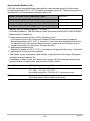
• See page 165 for information about battery life and memory capacity.
Battery Power Conservation Tips
• When you do not need to use the flash, select ? (flash off) for the flash setting
(page 26).
• Enable the Auto Power Off and the Sleep features to protect against wasting
battery power when you forget to turn off the camera (pages 129, 130).
12
Quick Start Basics