1
Your Phone
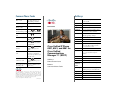
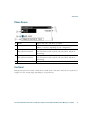
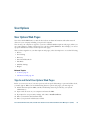
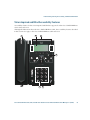
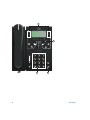
Phone Screen
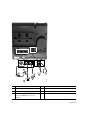
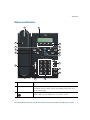
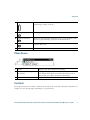
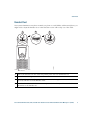
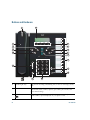
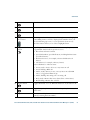
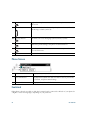
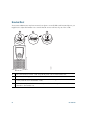
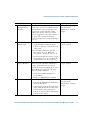
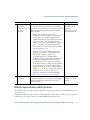
1
Header
Displays date, time, and directory number.
2
Line text label with icon
Displays text label and icon for phone or intercom line, speed-dial
numbers, or services, depending on your configuration.
3
Primary line details and
other phone information
Displays line label and call details for the primary line, and other
phone information such as placed calls, speed dials, and phone
menu listings.
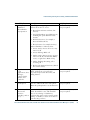
4
Secondary line details and
other phone information
Displays line label and call details for the secondary line, and other
phone information such as placed calls, speed dials, and phone
menu listings.
5
Softkey labels
Display softkeys for available features or actions.
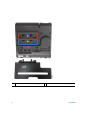
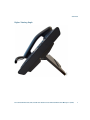
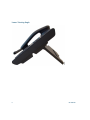
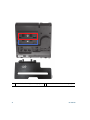
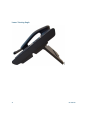
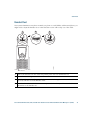
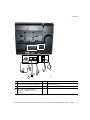
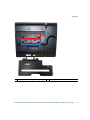
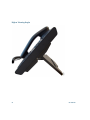
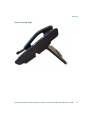
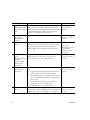
Footstand
If the phone is placed on a table or desk, the footstand can be connected to the back of your phone for
a higher or lower viewing angle, depending on your preference.
Cisco Unified IP Phone 6921, 6941, and 6961 User Guide for Cisco Unified Communications Manager 7.1 (SCCP)
15