1
SCANNING BY PRESSING THE SCANNER BUTTONS
13
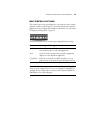
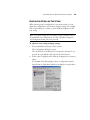
ABOUT THE BUTTONS ON THE SCANNER
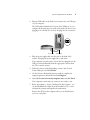
The scanner buttons are preconfigured to scan items at various settings
and then send the scanned image to a preselected destination software
application. You can change the settings for each button. See “About the
Configuration Dialog Box” on page 15.
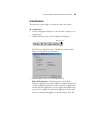
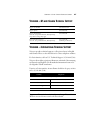
The following table lists the scanner’s preconfigured button settings:
Button
Preconfigured Settings
Email
Scans the item as a color photo and attaches it to a
new email message in your email application
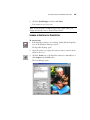
Scan
Scans the item as an AutoCrop scan photograph and
displays it in the PaperPort application
Copy/Print
Prints the scanned item in black and white on your
printer/copier at the printer/copier’s default resolution
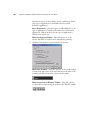
Note: If a button is not preconfigured, the Configuration dialog box
opens on your computer screen so you can configure it manually. For
example, if your computer does not have email software installed, the
Email button is not preconfigured.