1
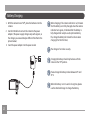
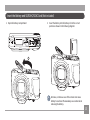
Insert the Battery and SD/SDHC/SDXC Card (Not included)
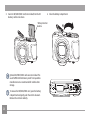
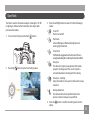
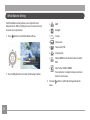
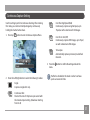
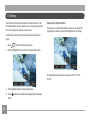
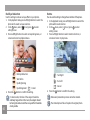
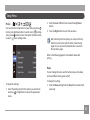
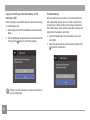
2. Insert the battery into the battery slot in the correct
position as shown in the following diagram:
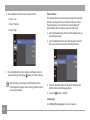
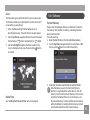
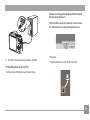
1. Open the battery compartment
1
2
Extensive, continuous use of the camera can cause
battery to overheat. Please always use caution when
removing the battery.
13