1
BP68-00399A-00Eng
7/5/04
10:59 AM
Page 37
O P E R AT I O N
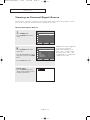
Viewing an External Signal Source
Use the remote control to switch between viewing signals from connected equipment, such as
VCR, DVD, Set-Top box and the TV source (broadcast or cable).
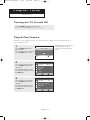
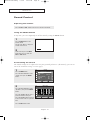
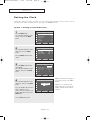
Setting the Signal Source
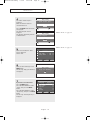
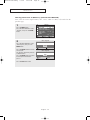
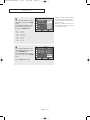
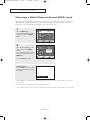
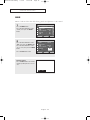
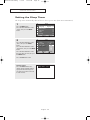
1
TV
Input
Press the MENU button.
Press the ENTER button to select
“Input”.
Move
2
√
√
Source List
Edit Name
Enter
TV
Return
Source List
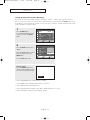
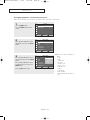
Press the ENTER button to select
“Source List”.
TV
AV1
AV2
AV3
S-Video
Component1
Component2
Press the … or † button to select a
signal source, then press the ENTER
button.
Move
-------------------------
Enter
Press the EXIT button to exit.
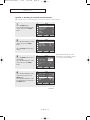
Alternate method:
Press the SOURCE button on the
remote control repeatedly to select
an external signal source.
AV1
English - 37
Return
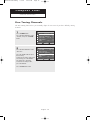
œ When you connect equipment
to the TV, you can choose
between the following sets of
jacks : “AV3”, “S-Video” on the
TV’s side panel or “AV1”, “AV2”,
“Component1” or “Component2”
on the TV’s rear panel.