1
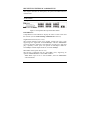
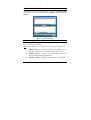
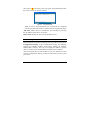
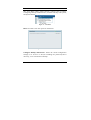
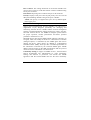
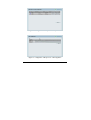
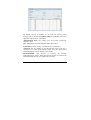
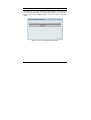
When the following dialog appears, (the actual IP address will
correspond with the IP address of the Switch), enter the default
password "admin" and press OK to enter the main Web-based Utility.
Figure 15 – Log in screen
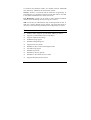
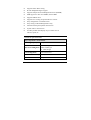
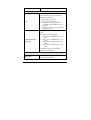
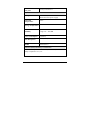
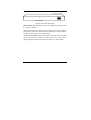
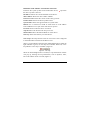
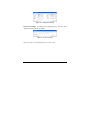
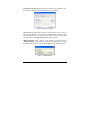
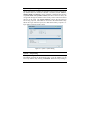
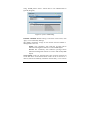
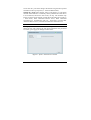
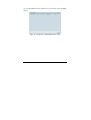
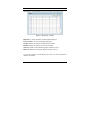
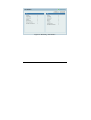
After entering the password, the main page of the Web-based Utility
displays the status of the Switch. In the top right corner the user name
(default ‘admin’) is displayed with the IP address of the Switch.
Below this is a Logout option for use when the session is complete.
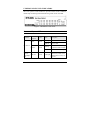
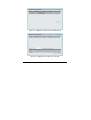
Figure 16 – Device Status
26