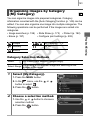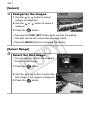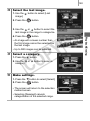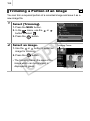
1
71
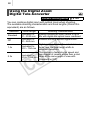
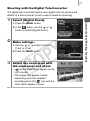
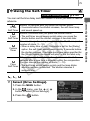
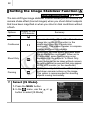
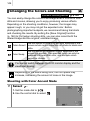
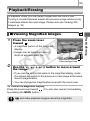
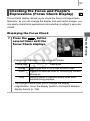
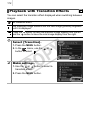
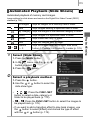
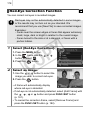
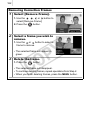
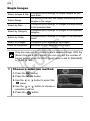
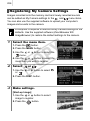
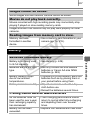
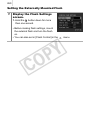
Shooting with the Digital Tele-Converter
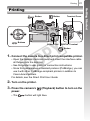
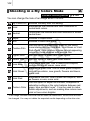
The digital tele-converter feature uses digital zoom to achieve the
effects of a tele-converter (a lens used in telephoto shooting).
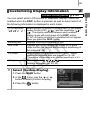
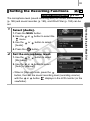
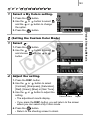
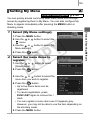
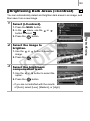
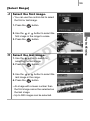
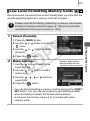
1
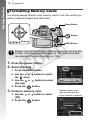
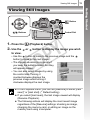
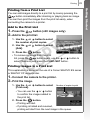
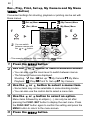
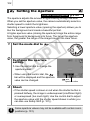
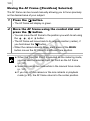
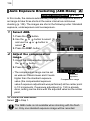
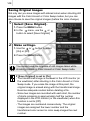
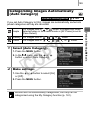
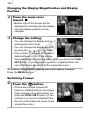
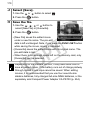
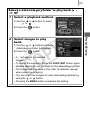
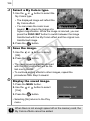
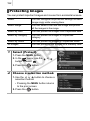
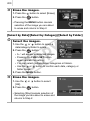
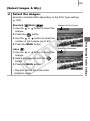
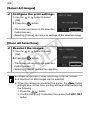
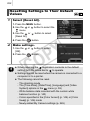
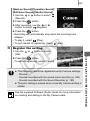
Select [Digital Zoom].
2. In the
menu, use the
or
button to select [Digital Zoom].
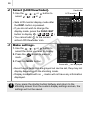
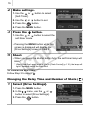
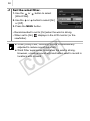
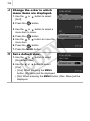
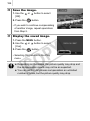
2
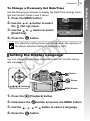
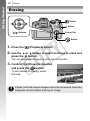
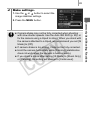
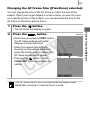
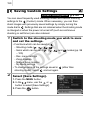
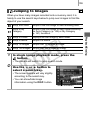
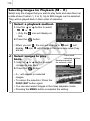
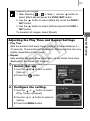
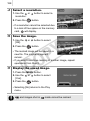
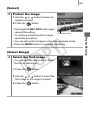
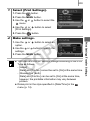
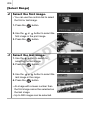
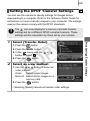
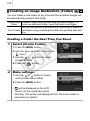
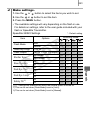
Make settings.
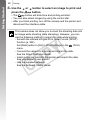
1. Use the
or
[1.4x] or [2.3x].
Y
P
O
button to select
2. Press the MENU button.
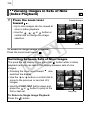
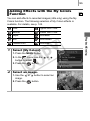
3
C
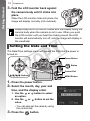
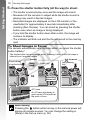
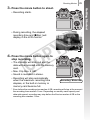
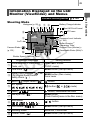
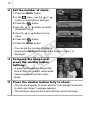
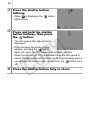
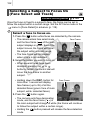
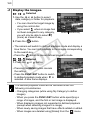
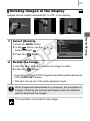
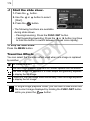
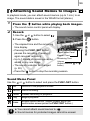
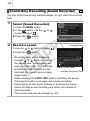
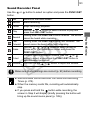
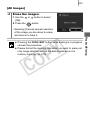
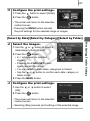
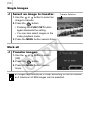
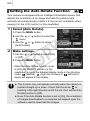
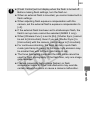
Adjust the zoom level with
the zoom lever and shoot.
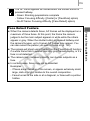
•
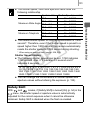
and the zoom factor appear on the
LCD monitor.
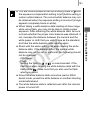
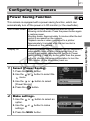
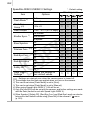
• The image may appear coarse
depending upon the selected
recording pixels (the
icon and the
zoom factor appear in blue).
Commonly Used Shooting Functions
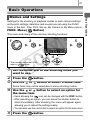
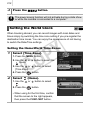
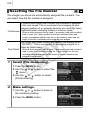
1. Press the MENU button.