1
SHOW COMMANDS 6 - 85
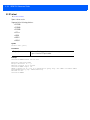
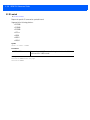
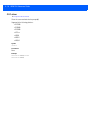
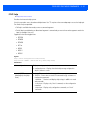
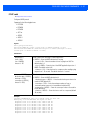
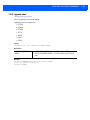
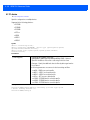
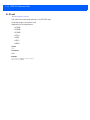
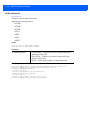
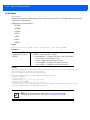
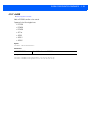
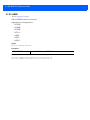
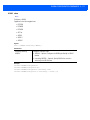
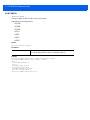
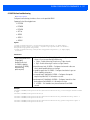
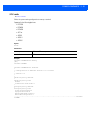
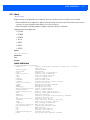
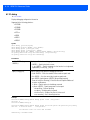
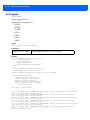
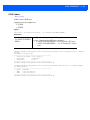
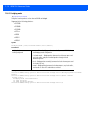
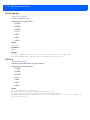
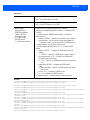
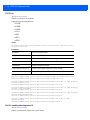
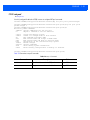
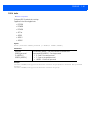
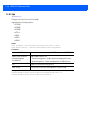
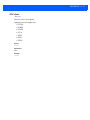
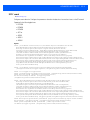
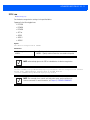
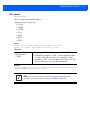
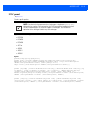
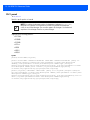
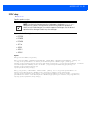
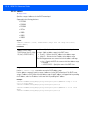
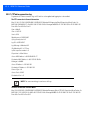
6.1.49 wwan
show commands
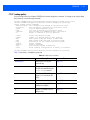
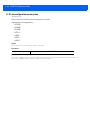
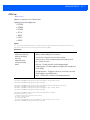
Displays wireless WAN status
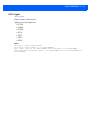
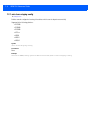
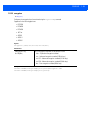
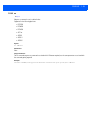
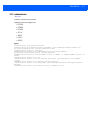
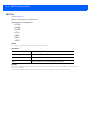
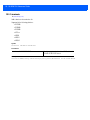
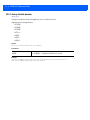
Supported in the following platforms:
• RFS4000
• RFS6000
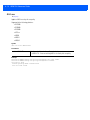
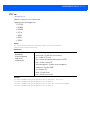
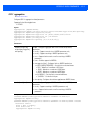
Syntax
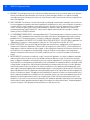
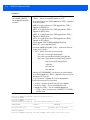
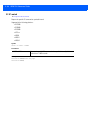
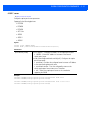
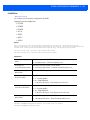
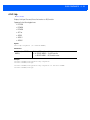
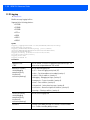
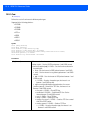
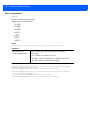
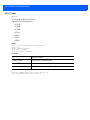
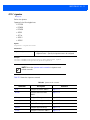
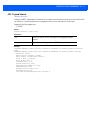
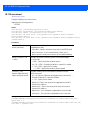
show wwan [configuration|status] {on <DEVICE-OR-DOMAIN-NAME>}
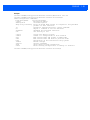
Parameters
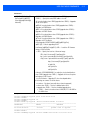
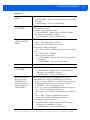
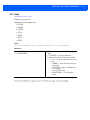
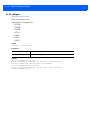
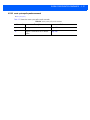
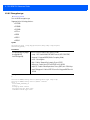
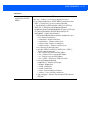
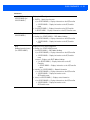
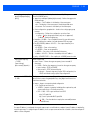
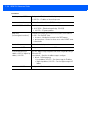
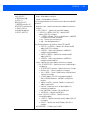
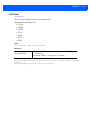
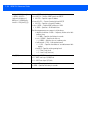
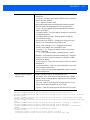
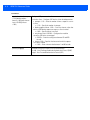
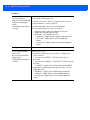
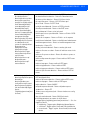
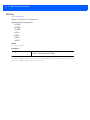
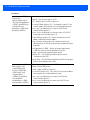
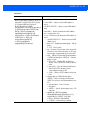
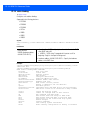
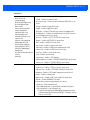
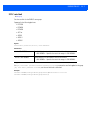
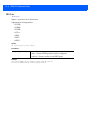
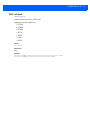
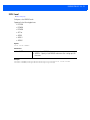
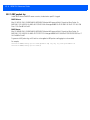
wwan [configuration|status] • configuration – Displays wireless WAN configuration information
{on <DEVICE-OR-DOMAIN- • status – Displays wireless WAN status information
NAME>}
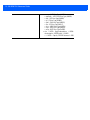
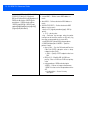
• on <DEVICE-OR-DOMAIN-NAME> – On AP/Controller or RF Domain
• <DEVICE-OR-DOMAIN-NAME> – On AP/Controller/RF Domain
name
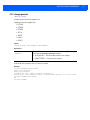
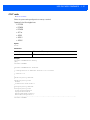
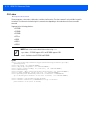
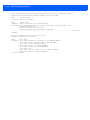
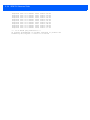
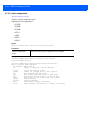
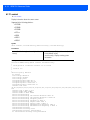
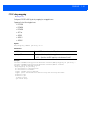
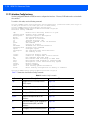
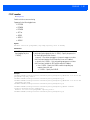
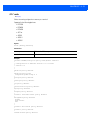
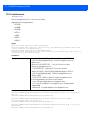
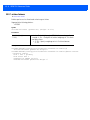
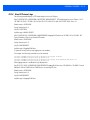
Example
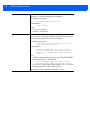
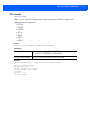
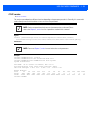
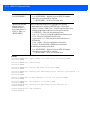
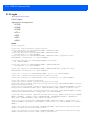
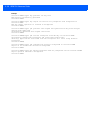
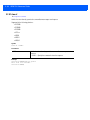
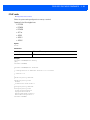
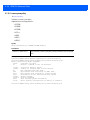
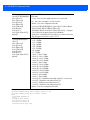
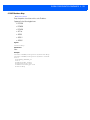
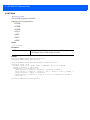
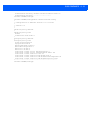
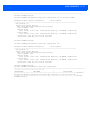
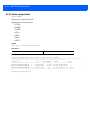
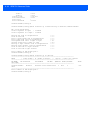
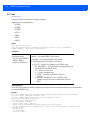
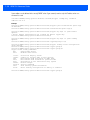
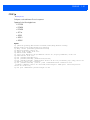
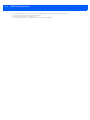
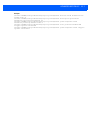
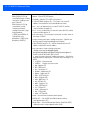
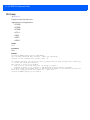
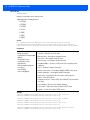
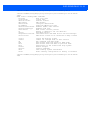
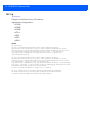
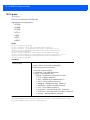
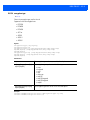
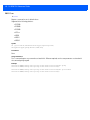
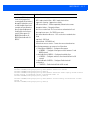
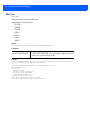
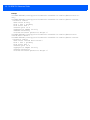
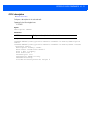
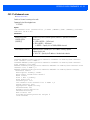
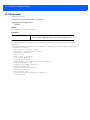
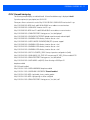
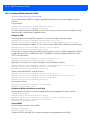
rfs4000-880DA7(config-device-00-23-68-88-0D-A7)*#show wwan configuration on rfs4000880DA7
>>> WWAN Configuration:
+------------------------------------------| Access Port Name : isp.cingular
| User Name
: testuser
| Cryptomap
: map1
+------------------------------------------rfs4000-880DA7(config-device-00-23-68-88-0D-A7)#
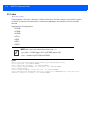
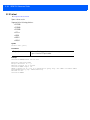
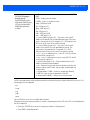
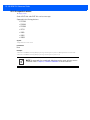
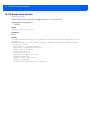
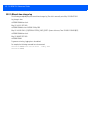
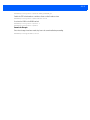
rfs4000-880DA7(config-device-00-23-68-88-0D-A7)#show wwan status on rfs4000-880DA7
>>> WWAN Status:
+------------------------------------------| State : ACTIVE
| DNS1 : 209.183.54.151
| DNS2 : 209.183.54.151
+------------------------------------------rfs4000-880DA7(config-device-00-23-68-88-0D-A7)#