1
Not For Resale – Free Download at http://www.joe-chan.com/manuals
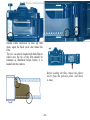
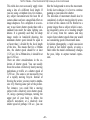
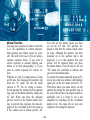
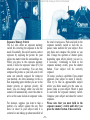
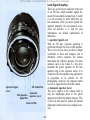
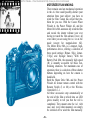
Stopped-down AE
1. Disengage the lens aperture
ring from the “A” mark
(necessary only on FD lens).
2. Fold and push in the stopdown lever.
3. Set the aperture by turning
the lens aperture ring.
See pp. 61-62 for detailed
explanation.
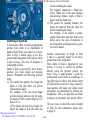
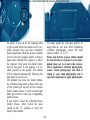
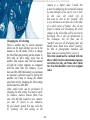
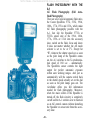
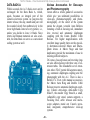
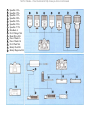
AE Flash
1. Insert
the
Speedlite
577G's or 533G's sensor
unit or the 199A, 188A,
177A, 155A or 133A into
the A-1's accessory shoe.
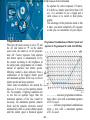
2. Set the ASA film speed on
the flash.
3. Make sure the lens aperture
ring is set to “A”.
4. Set the auto working aperture on the flash.
5. Switch the flash on.
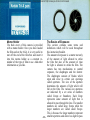
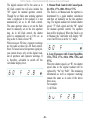
6. Wait for the pilot lamp to
light up and “F” to appear
in the viewfinder. See pp.
83-85 and the Speedlite's
instruction
booklet
for
detailed explanation.
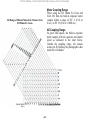
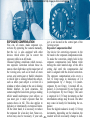
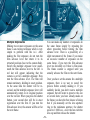
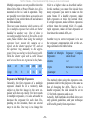
Manual Override
1. Disengage the lens aperture
ring from the “A” mark
(necessary only on FD lens).
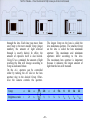
2. Switch the AE mode selector to TV.
3. Select a shutter speed by
turning the AT dial.
4. Select an aperture by turning the lens aperture ring
(using the camera-selected
aperture in the digital readout as a basis if so desired).
See p. 65 for detailed
explanation.