1
1.4 Main Menu
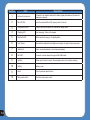
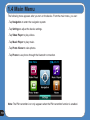
The following menu appears after you turn on the device. From the main menu, you can:
- Tap Navigation to enter the navigation system.
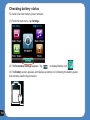
- Tap Settings to adjust the device settings.
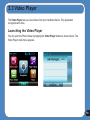
- Tap Video Player to play videos.
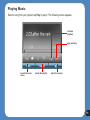
- Tap Music Player to play music.
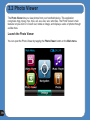
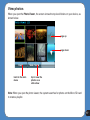
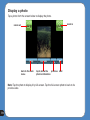
- Tap Photo Viewer to view photos.
- Tap Phone to use phone through the bluetooth connection.
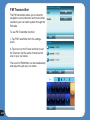
Note: The FM transmitter icon only appears when the FM transmitter function is enabled.
18