1
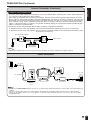
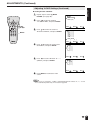
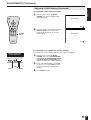
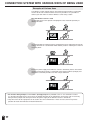
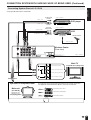
POWER
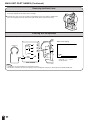
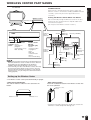
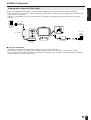
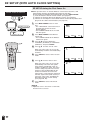
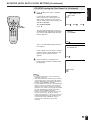
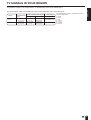
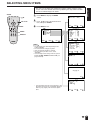
See page 15 for how to remove the table stand.
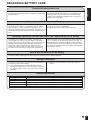
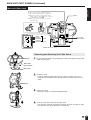
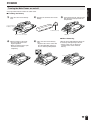
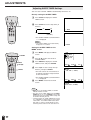
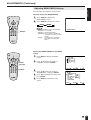
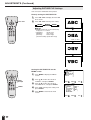
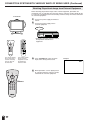
■ Installing the Battery
1
Open the cover of the battery
case.
2
Remove the terminal cover of the
battery.
3
Pack toward the left side first and
then push the battery inside the
compartment.
ENGLISH
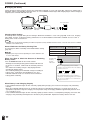
Turning the Main Power on and off
Cover of the
battery case
Terminal cover
Place on a soft cloth.
Battery
■ When Removing
4
Shift the battery to the right.
• The lever will return to its
original position.
• Move the battery to the right
until the lever returns
completely.
Lever
5
Close the cover of the battery
case.
• Align the tabs of the cover with
the corresponding grooves in
the TV and snap into position.
With the lever pulled forward, lift up on
the battery while pushing to the left.
• Always make sure to attach the
terminal cover to the removed
battery.
Lever
19