1
Oki Data CONFIDENTIAL
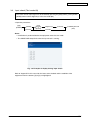
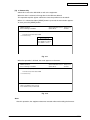
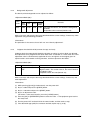
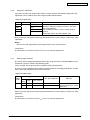
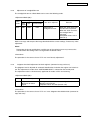
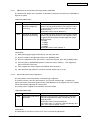
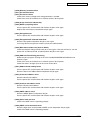
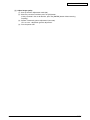
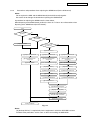
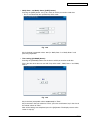
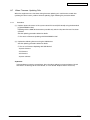
[C] Initialize the File System (Initialize HDD)
In case that an error occurs during the file system check and the partition cannot be
recovered with the recovery, each partition can be initialized.
It is recommended to export the user information such as address book before performing
this function.
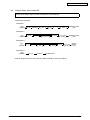
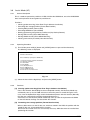
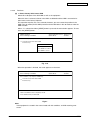
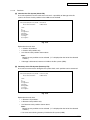
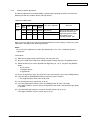
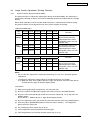
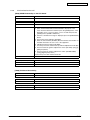
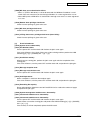
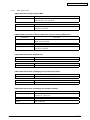
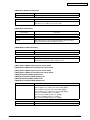
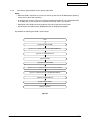
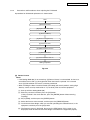
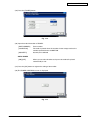
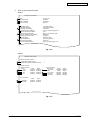
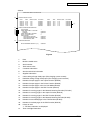
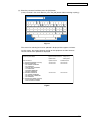
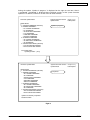
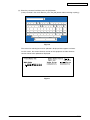
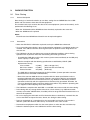
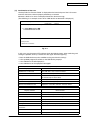
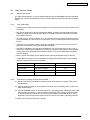
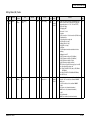
File System(F/S) Recovery Mode -> Initialize HDD
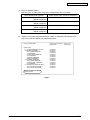
Please Select Partition
1. Except /
2. /work
3. /registration
4. /backup
5. /imagedata
6. /storage
7. /encryption
8. /TAT
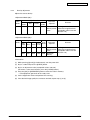
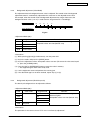
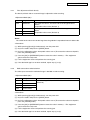
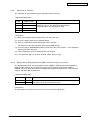
Fig. 3-16
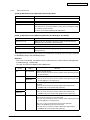
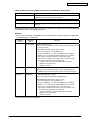
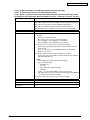
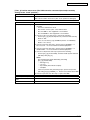
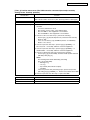
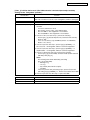
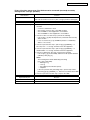
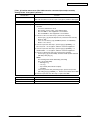
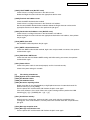
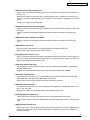
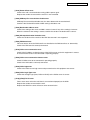
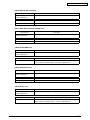
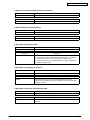
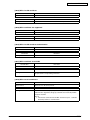
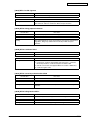
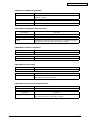
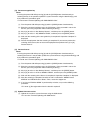
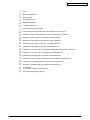
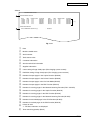
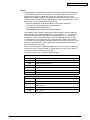
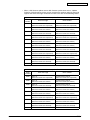
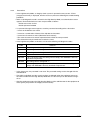
Explanation for each item
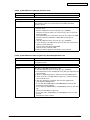
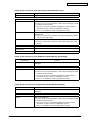
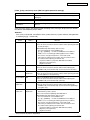
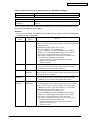
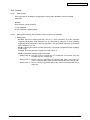
• 1: Initializes partitions other than root one and creates initial files.
• 2: Initializes a partition (/work) and creates an initial file.
• 3: Initializes a partition (/registration) and creates an initial file.
• 4: Initializes a partition (/backup) and creates an initial file.
• 5: Initializes a partition (/imagedata) and creates an initial file.
• 6: Initializes a partition (/storage) and creates an initial file.
• 7: Initializes a partition (/encryption) and creates an initial file.
• 8: Initializes a partition (/TAT) and creates an initial file.
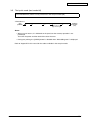
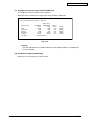
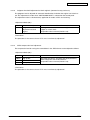
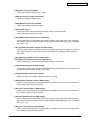
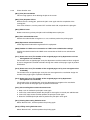
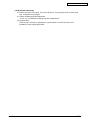
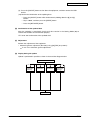
Remark:
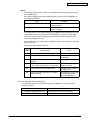
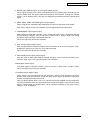
More than one partition can be selected. (“>” is displayed on the left of the selected
number.)
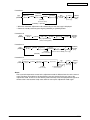
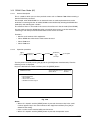
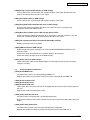
Notes:
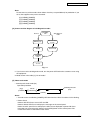
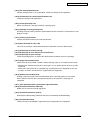
• If [1. Except /] is selected, minimal data necessary for normal startup are
automatically recovered.
• If [1. Except /] is selected, log database is also initialized. Back up the data before
initializing if necessary.
45641001TH Rev.1
3-24 /