1
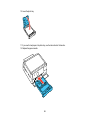
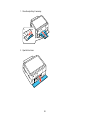
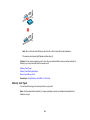
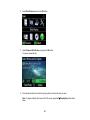
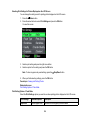
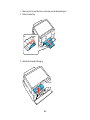
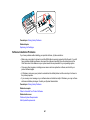
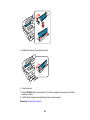
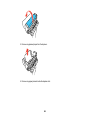
6. Close the document cover.
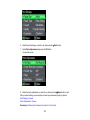
7. To print more than one copy, press the + or – button to select the number.
8. When you are ready to print, press the
Note: To cancel printing, press the
Start button.
Stop/Reset button.
When you finish printing, cut your greeting cards apart, if necessary.
Parent topic: Printing Photo Greeting Cards
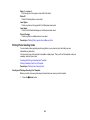
Printing Photo Proofsheets From a Memory Card
You can print a proof sheet containing small versions of all the photos on your memory card.
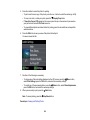
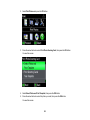
1. Press the
Home button.
2. Select Print Photos and press the OK button.
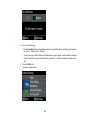
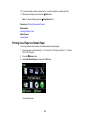
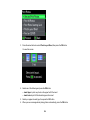
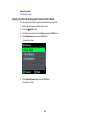
3. Press the arrow buttons to select Print Proof Sheet, then press the OK button.
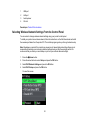
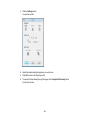
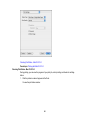
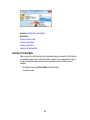
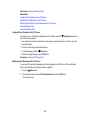
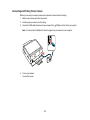
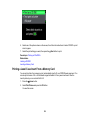
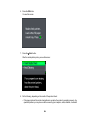
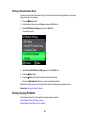
You see this screen:
166