1
Viewing 3D images
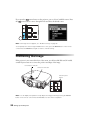
To view 3D content, you must first connect a 3D-compatible video device to one of the
HDMI ports on your projector. You will also need a pair of EPSON or EPSON-compatible
M-3Di active shutter glasses.
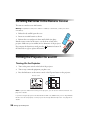
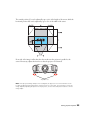
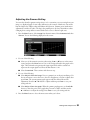
Note: Make sure to point the remote control directly at the projector while viewing 3D content.
The remote control IR signal may not reflect off of the screen when the 3D viewing mode is
enabled. See page 74 for more information.
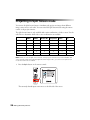
1. Turn on and begin playback on the 3D-compatible video device.
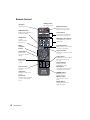
2. Press the 2D/3D button on the remote control, if necessary.
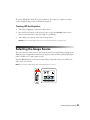
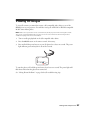
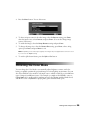
3. Press and hold the power button on your 3D glasses for at least one second. The power
light will turn green and stay lit for about five seconds.
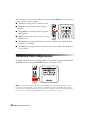
To turn the glasses off, hold the power button for at least one second. The power light will
flash three times when the glasses have turned off.
See “Solving Picture Problems” on page 70 for 3D troubleshooting tips.
Making Basic Adjustments
27