1
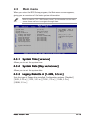
2.4
Advanced menu
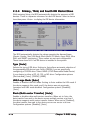
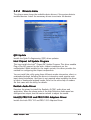
The Advanced menu items allow you to change the settings for the CPU
and other system devices.
Take caution when changing the settings of the Advanced menu items.
Incorrect field values can cause the system to malfunction.
Configure the USB
support.
USB Configuration
CPU Configuration
Chipset
Onboard Devices Configuration
PCI PnP
2.4.1
USB Configuration
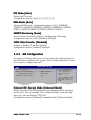
The items in this menu allows you to change the USB-related features.
Select an item then press <Enter> to display the configuration options.
USB Configuration
Enables USB host
controllers.
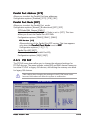
Module Version - 2.23.2-9.4
USB Devices Enabled: None
USB Function
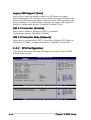
Legacy USB Support
USB 2.0 Controller
USB 2.0 Controller Mode
[Enabled]
[Auto]
[Enabled]
[HiSpeed]
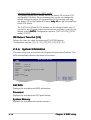
The Module Version and USB Devices Enabled items show the
auto-detected values. If no USB device is detected, the item shows
None.
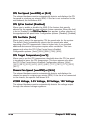
USB Function [Enabled]
Allows you to enable or disable the USB function.
Configuration options: [Disabled] [Enabled]
ASUS P5GD1-VM
2-19