1
DS7446KP | User Guide | 11.0
Optional Commands
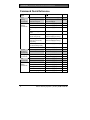
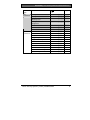
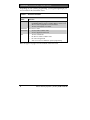
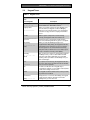
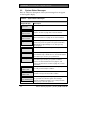
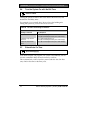
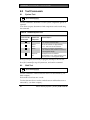
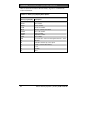
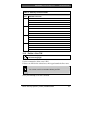
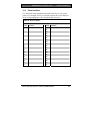
Table 16: Sked Day Selections
Key
[1]
[2]
[3]
[4]
[5]
[6]
[7]
[8]
Day of Week
Sunday
Monday
Tuesday
Wednesday
Thursday
Friday
Saturday
All Days
Symbol
S
M
T
W
T
F
S
A
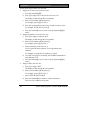
To use the All Days command, press [8]. An “A” appears in the
display under “8.” The sked is now active every day of the week.
4.
To disable the All Days command, press [8] again. The “A”
disappears from the display. Now press the appropriate numeric key
to deactivate the sked for a particular day. For example, press [8][1] to
turn off All Days operation and prevent the sked from operating on
Sunday.
Press [# Command] twice when you are done changing skeds.
11.3
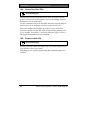
Toggle Outputs
[# Command][5][4]
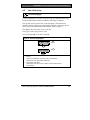
Use this command to toggle (turn on or off) the outputs programmed by
your alarm company.
These outputs can control devices such as outside lighting, pool pumps,
and watering systems.
•
Press [0][*] to turn all outputs off.
• To select a specific output, enter the output number and press [*]. For
example, press [5][*] to turn Output 5 on or off.
Bosch Security Systems | 12/04 | 4998149924B
31