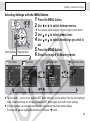
1
Shooting – The Basics
3
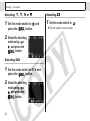
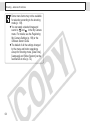
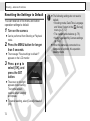
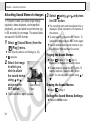
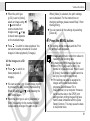
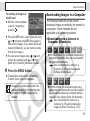
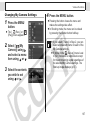
Use or to
select [On] and
press the MENU
button.
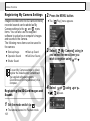
z The display will return to
the Shooting screen.
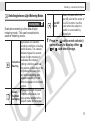
z The
icon will display
on the LCD monitor
(detailed display on)
when the "Quick Shot"
option is set to On.
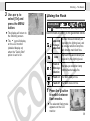
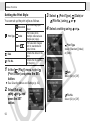
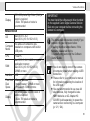
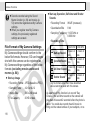
Using the Flash
Shooting Mode
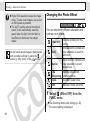
* In
(Fireworks) mode, the flash is prohibited.
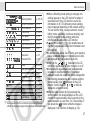
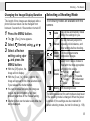
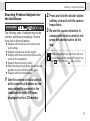
Use the flash according to the guidelines below.
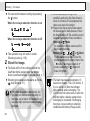
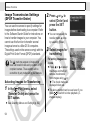
Auto with
red-eye
reduction
The flash fires automatically as
required by the lighting level, and
the red-eye reduction lamp fires
each time the main flash fires.
Auto
The flash fires automatically as
required by the lighting level.
Flash on
The red-eye reduction lamp
with red-eye
and the flash always fire.
reduction
Flash on The flash always fires.
Flash off The flash does not fire.
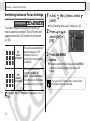
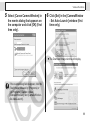
1
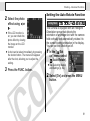
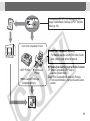
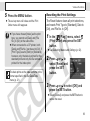
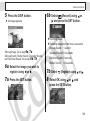
Press the button
to switch between
flash modes.
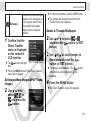
z The selected flash mode
appears on the LCD
monitor.
39