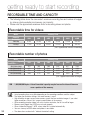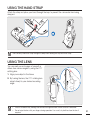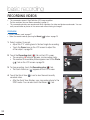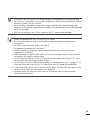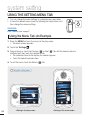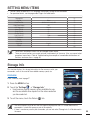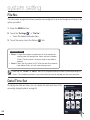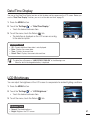
1
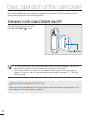
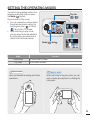
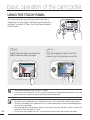
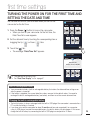
getting started
USING THE BATTERY
Purchase extra batteries to allow continuous use of your camcorder.
2
1
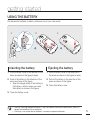
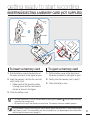
Inserting the battery
3
Ejecting the battery
1. Pull the battery cover in the direction of the
arrow as shown in the figure to open.
1. Pull the battery cover in the direction of
the arrow as shown in the figure to open.
2. Push in the battery in the direction of the
arrow as shown in the figure.
• Align the triangle mark of the battery to
the battery contacts when you insert
the battery as shown in the figure.
2. Pull out the battery in the direction of the
arrow as shown in the figure.
3. Close the battery cover.
3. Close the battery cover.
• Use only Samsung-approved batteries. If you use batteries from other manufacturers, there is a
danger of overheating, fire, or explosion.
• Samsung is not responsible for problems caused by unapproved batteries.
17