1
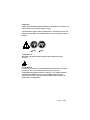
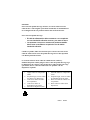
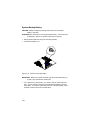
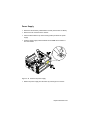
• Touch the outside of the bare metal frame of the tower to dissipate any
static electricity from your body. Do not touch any of the components
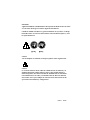
inside the frame. Be careful not to touch any component displaying a
voltage warning label, such as the power supply.
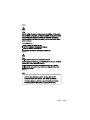
• Disconnect the tower power cord.
NOTE: To prevent the tower from tipping over, you may want to lay the
tower on its side on a work surface, such as a table.
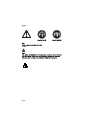
• Touch the bare metal frame of the system to dissipate any static electricity
from your body (do not touch any of the components inside the frame until
you have done this). Do not touch any component(s) with a voltage
warning label.
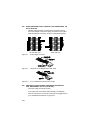
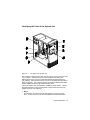
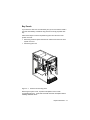
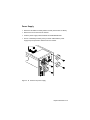
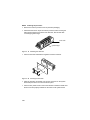
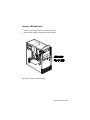
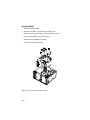
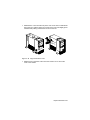
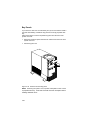
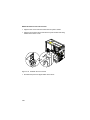
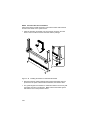
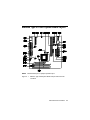
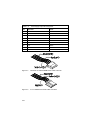
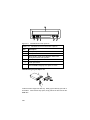
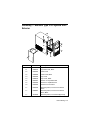
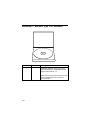
Figure 4- 3
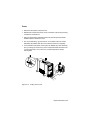
Pull out on the cover
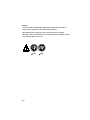
NOTE: Replacing the Cover
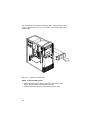
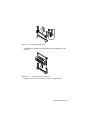
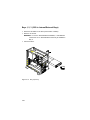
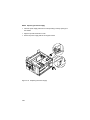
• To replace the tower cover, lower the cover down over the tower, pressing
in on the sides so the hooks inside the cover fit over the bottom ledge of
the tower. Slide the cover forward into place. Secure the tower cover by
replacing the screws you removed.
NOTE:
4-6
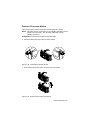
When you replace the cover, there are hooks inside the cover
that help fit it to the tower.