1
ref.book Page 47 Monday, September 28, 1998 4:24 PM
Transporting the Scanner
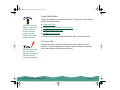
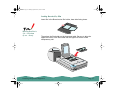
If you are transporting the scanner a significant distance or storing it for
an extended period, follow the steps below to secure the carriage.
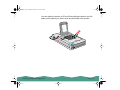
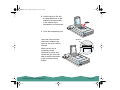
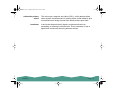
If the carriage does
not automatically
return to the home
position, raise the
front of the scanner
and hold it up until the
carriage comes to rest
in the home position.
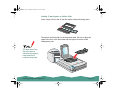
Then turn the
transportation lock to
the locked position.
If you are using the
transparency unit and
it is switched on, the
carriage will not move
to the home position.
Remove the
transparency unit first,
then perform steps 2
and 3.
Maintaining the Scanner
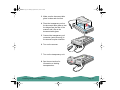
1 Remove any optional
equipment and replace the
document cover.
2 Turn on the scanner and
wait until the carriage
moves to the home position
(towards the back of the
scanner). Then turn off the
scanner.
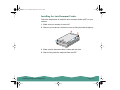
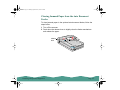
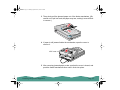
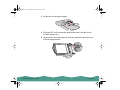
3 Use a coin or
screwdriver to turn
the transportation
lock to the locked
position to secure
the carriage.
home position
locked
unlocked
Page 47