1
Using Caller ID
NA
RY
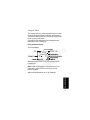
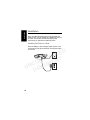
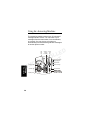
If you subscribe to caller ID service, the caller’s name
and/or number are displayed when you receive an
incoming call. If information on the caller is not
available, or if you do not subscribe to Caller ID
service, INCOMING CALL is displayed.
Note: If you subscribe to caller ID service, but INCOMING
CALL or No Data is displayed for all of your incoming calls,
contact your telephone company.
D
E
L
L
O T
R
T
N
N
E
O
M
C
U
N
C
U
O
D
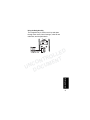
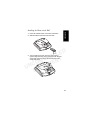
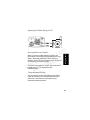
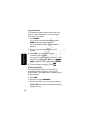
Reviewing the List of Caller ID Calls
EM
I
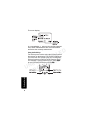
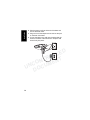
2 Scroll to review more calls.
3 To call the number, press
or HANDSFREE.
PR
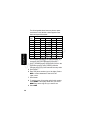
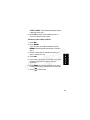
To reformat the number before you call, select FORMAT
until the correct format displays.
For example, if a number you want to call is stored
with the area code (10 digits), but you do not use the
area code to call this number, press FORMAT until the
number appears without the area code (7 digits).
Using the Phone
The handset can store up to 40 caller ID records.
1 Scroll down to view the recent calls list. The most
recent call is listed first.
33