1
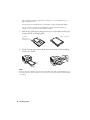
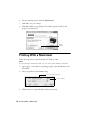
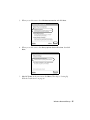
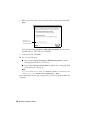
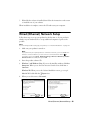
13. If you see an Installation Complete screen that includes a Print Test Page
button, click it to print a test page.
14. Click Finish, then follow the instructions on the screen to install the rest of
your software.
When installation is complete, remove the CD and restart your computer.
46 Wired (Ethernet) Network Setup