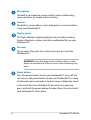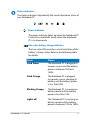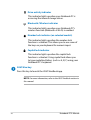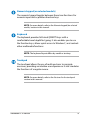
1
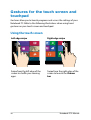
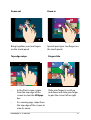
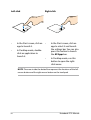
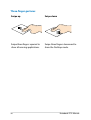
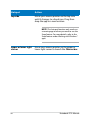
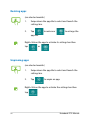
Left-click
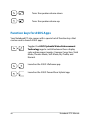
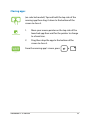
Right-click
•
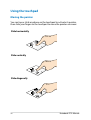
In the Start screen, click an
app to launch it.
•
•
In Desktop mode, doubleclick an application to
launch it.
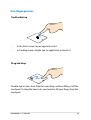
In the Start screen, click an
app to select it and launch
the settings bar. You can also
press this button to launch
the All Apps bar.
•
In Desktop mode, use this
button to open the rightclick menu.
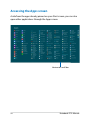
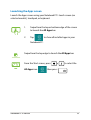
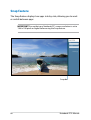
NOTE: The areas inside the dotted line represent the locations of the left
mouse button and the right mouse button on the touchpad.
34
Notebook PC E-Manual