1
General Power Meter Functions
2
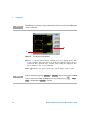
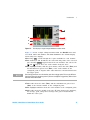
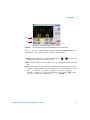
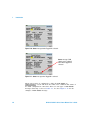
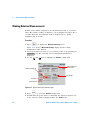
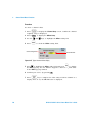
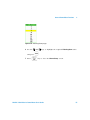
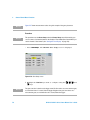
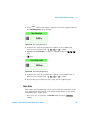
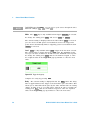
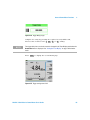
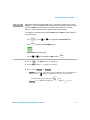
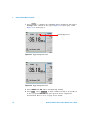
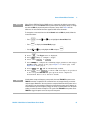
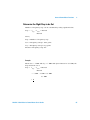
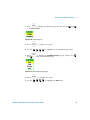
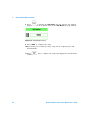
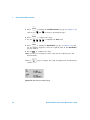
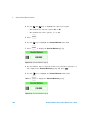
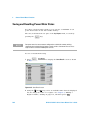
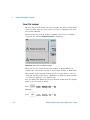
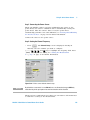
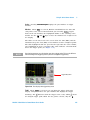
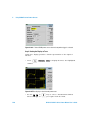
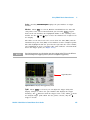
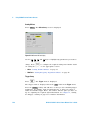
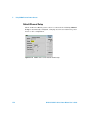
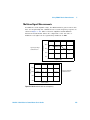
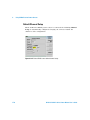
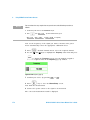
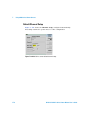
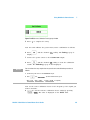
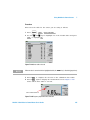
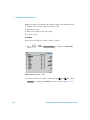
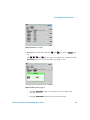
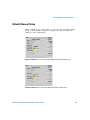
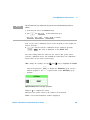
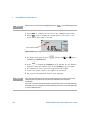
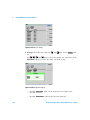
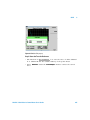
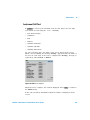
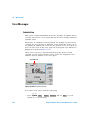
Figure 2-43 Marker 2 Ref Percentage pop-up
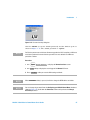
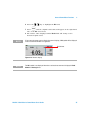
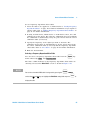
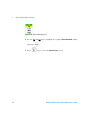
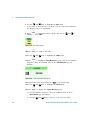
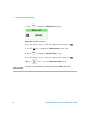
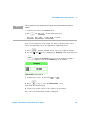
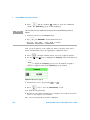
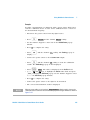
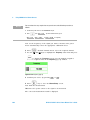
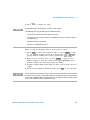
5 Use the numeric keys to complete the entry and press % softkey.
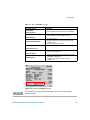
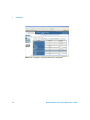
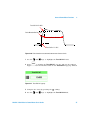
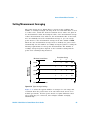
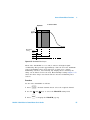
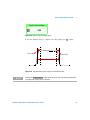
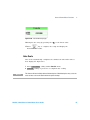
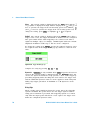
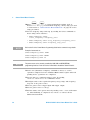
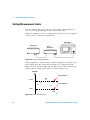
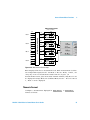
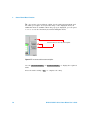
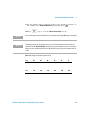
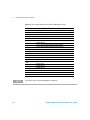
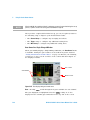
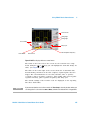
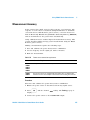
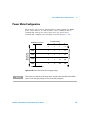
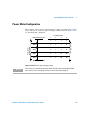
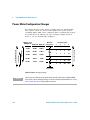
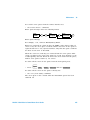
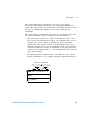
Ref 1 x PD
Ref 2 x PD
Pulse Duration (PD)
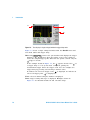
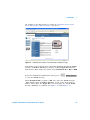
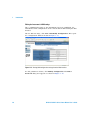
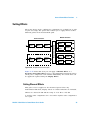
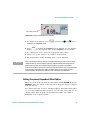
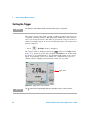
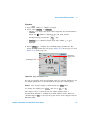
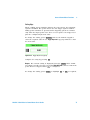
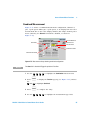
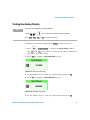
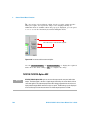
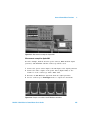
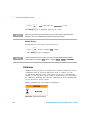
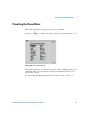
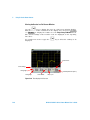
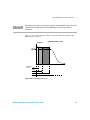
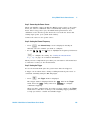
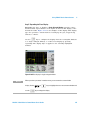
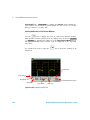
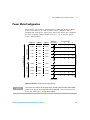
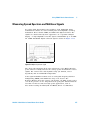
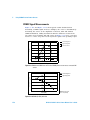
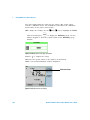
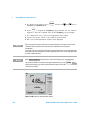
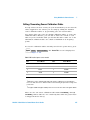
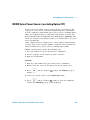
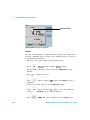
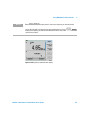
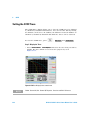
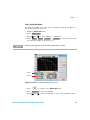
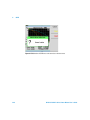
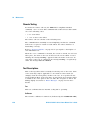
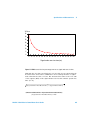
Figure 2-44 The placement of gates (markers) in Auto Gating mode
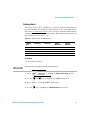
NOTE
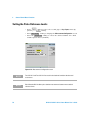
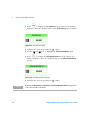
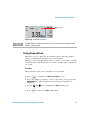
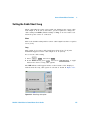
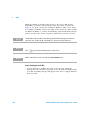
Enabling the Perpetual Off On softkey allows the gates to be repositioned automatically
according to the changes of pulse duration.
N1911A/1912A P-Series Power Meters User’s Guide
61