1
ENGLISH
Advanced Recording
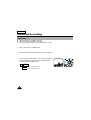
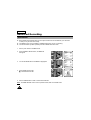
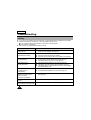
Digital Zoom
✤ Digital Zoom works in CAMERA mode only.
✤ Zooms more than 22x are performed digitally.
✤ The picture quality deteriorates as you go towards the “T” side.
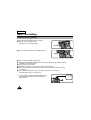
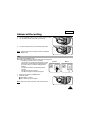
1. Set the power switch to CAMERA mode.
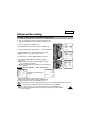
2. Make sure that the DIGITAL ZOOM feature is on. (see page 33)
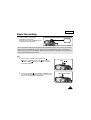
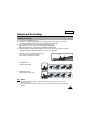
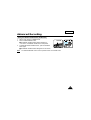
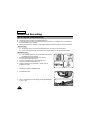
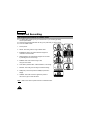
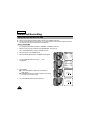
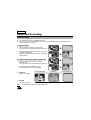
3. When you move the ZOOM lever to the “T” side, the picture will
be enlarged within 22x minimum to 500x maximum ZOOM.
This is the DIGITAL ZOOM boundary.
▲
W
T 500 x
shows the digital zoom area
shows the optical zoom area
32
3
W
T
T 500 x