1
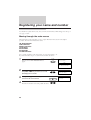
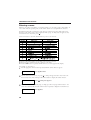
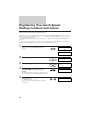
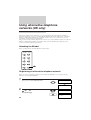
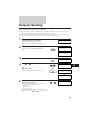
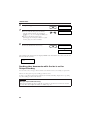
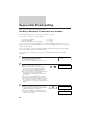
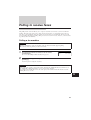
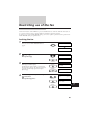
RESTRICTING USE OF THE FAX
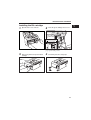
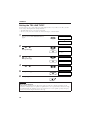
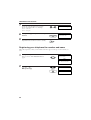
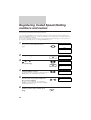
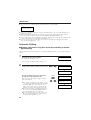
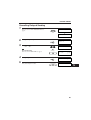
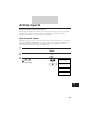
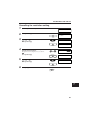
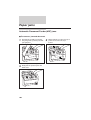
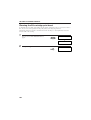
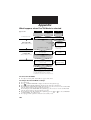
Cancelling the restriction setting
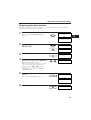
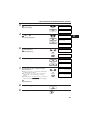
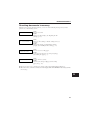
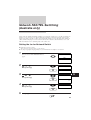
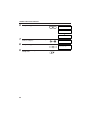
1
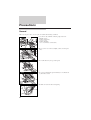
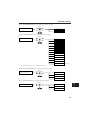
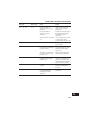
Follow steps 1 and 2 on p. 95.
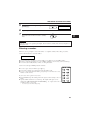
2
Press [Start/Copy].
UN/LOCK PHONE
Start/Copy
PASSWORD
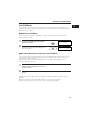
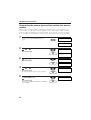
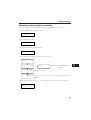
3
Use [
] or [
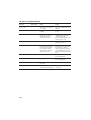
] to select LOCK PHONE.
Press [Start/Copy].
LOCK PHONE
Start/Copy
PASSWORD
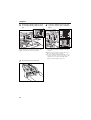
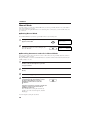
4
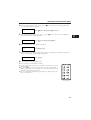
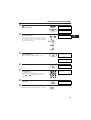
Enter the current four-digit access password
using the numeric buttons.
The password is not displayed as you enter it.
Press [Start/Copy].
PASSWORD
_
_
Start/Copy
ON
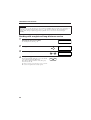
5
6
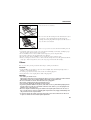
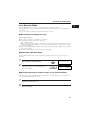
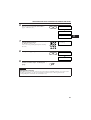
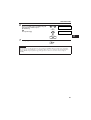
Use [
] or [
] to select OFF.
OFF
Press [Start/Copy].
Start/Copy
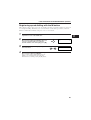
Press [Stop].
Stop
7
97