1
BN68-00751A-01ENG.qxd
8/7/04 6:32 PM
Page 56
S P E C I A L F E AT U R E S
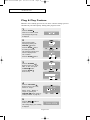
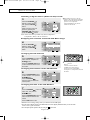
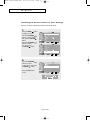
How to Enable/Disable the V-Chip
Note: PIP operation is disabled when the V-chip is on.
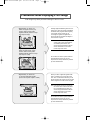
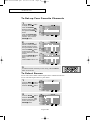
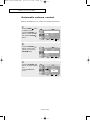
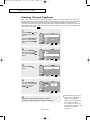
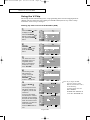
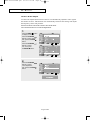
1
Press the MENU
button
to display the menu.
Press the UP/DOWN
buttons to select “Setup”,
then press the ENTER
button.
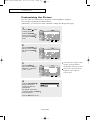
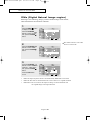
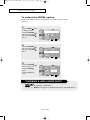
2
Press the
UP/DOWN
buttons
to select “V-Chip”, then
press the ENTER
button.
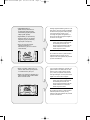
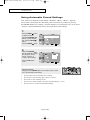
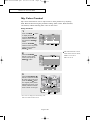
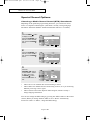
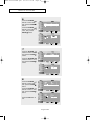
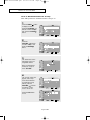
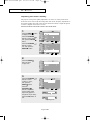
3
The “Enter PIN” screen
will appear. Enter your
4-digit PIN number.
Note: The default PIN
number for a new TV
set is “0-0-0-0.”
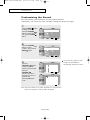
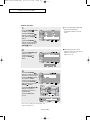
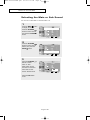
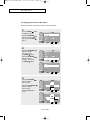
4
The “V-Chip” screen will
appear, and “V-Chip
Lock” will be selected.
To enable the V-Chip
feature, press the
UP/DOWN
buttons
so that the “V-Chip
Lock” is set to “On”.
Press the EXIT button
to exit.
English-56