1
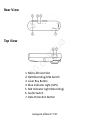
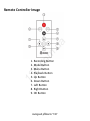
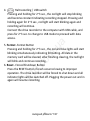
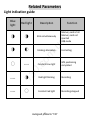
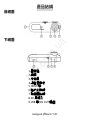
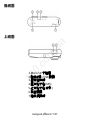
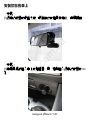
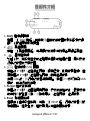
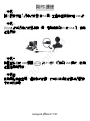
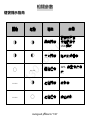
Halt recording / USB switch
Pressing and holding for 2~3 sec., the red light will stop blinking
and become constant indicating recording stopped. Pressing and
holding again for 2~3 sec., red light will start blinking again and
recording will continue.
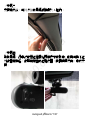
Connect the drive recorder to the computer with USB cable, and
press for 2~3 sec. to change to USB mode to proceed with data
access.
.u
a
4.
13
0
.c
om
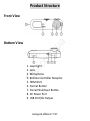
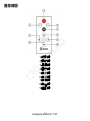
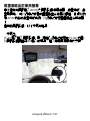
5. Format -Format Button
Pressing and holding for 2~3 sec., the red and blue lights will start
blinking simultaneously indicating formatting. All data in the
memory card will be cleared; after finishing clearing, the red light
will blink and continue recording.
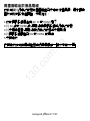
6. Reset - Forced Shutdown Button
Press the RESET button if crash occurred owing to improper
operation. The drive recorder will be forced to shut down and all
indicator lights will be switched off. Plugging the power out and in
again will resume recording.
15
Autogood products
“130”