1
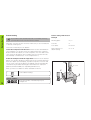
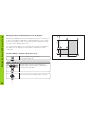
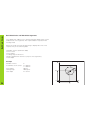
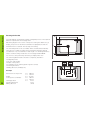
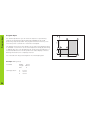
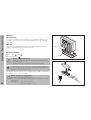
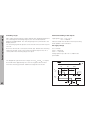
Rectangular Pocket
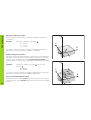
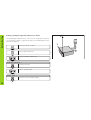
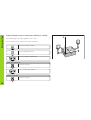
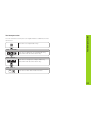
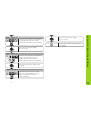
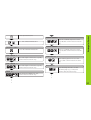
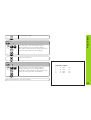
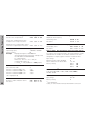
DOWN-CUT
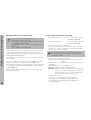
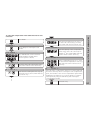
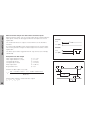
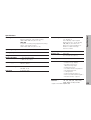
Use the minus key to select down-cut
milling (climb milling) or up-cut milling,
and confirm with the arrow down key.
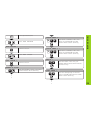
START ?
ENT
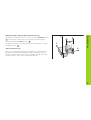
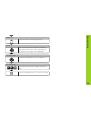
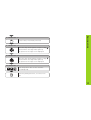
Start rectangular pocket milling.
RECTANG.POCKET
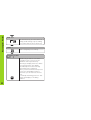
CL
32
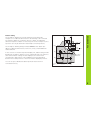
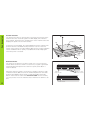
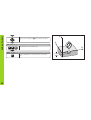
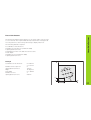
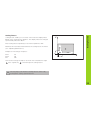
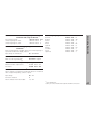
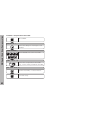
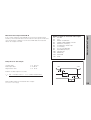
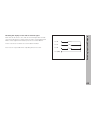
Distance-to-go mode is now active
(∆ symbol is on). You move to the
individual clear-out positions by
traversing to display value zero. When
you reach a position, the display
automatically shows the next step
until machining is completed.
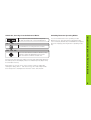
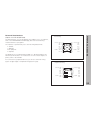
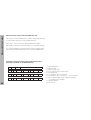
When you have cleared out the pocket
at one level, the display returns to
block 0 so you can clear out the next
level.
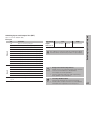
To interrupt machining, press CL. This
returns the display to the dialog
START ?.