1
GR-217
1 - Simulator windows
Wave window
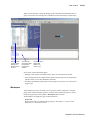
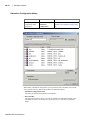
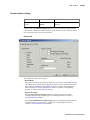
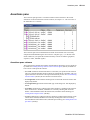
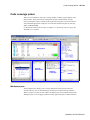
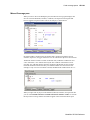
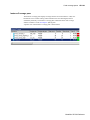
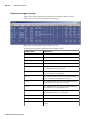
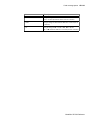
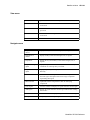
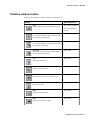
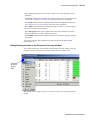
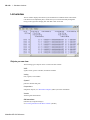
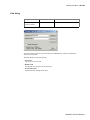
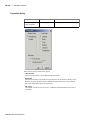
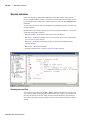
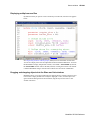
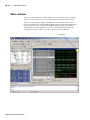
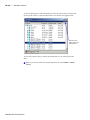
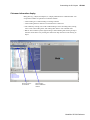
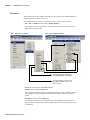
The Wave window, like the List window, allows you to view the results of your simulation.
In the Wave window, however, you can see the results as waveforms and their values.
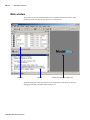
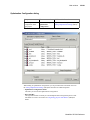
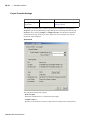
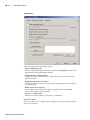
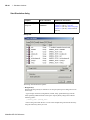
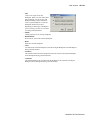
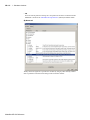
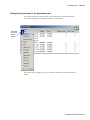
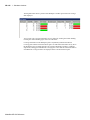
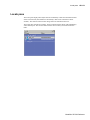
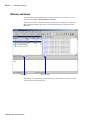
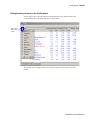
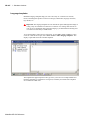
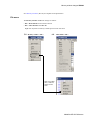
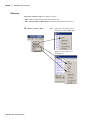
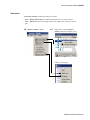
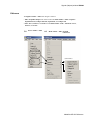
The Wave window opens by default in the MDI frame of the Main window as shown
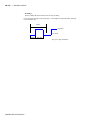
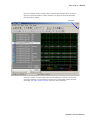
below. The window can be undocked from the main window by pressing the Undock button
in the window header or by using the view -undock wave command. The preference
variable PrefWave(ViewUnDocked) can be used to control this default behavior. By
setting the value of this variable to 1, the Wave Window will open undocked.
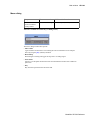
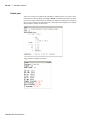
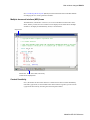
Undock button
ModelSim SE GUI Reference