1
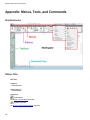
Appendix: Menus, Tools, and Commands
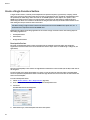
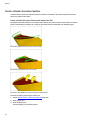
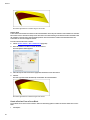
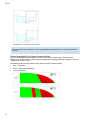
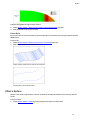
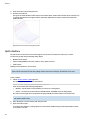
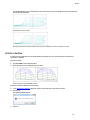
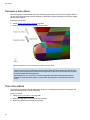
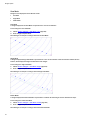
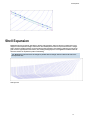
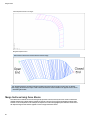
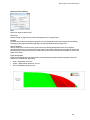
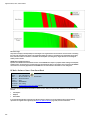
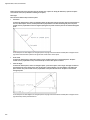
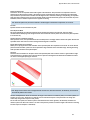
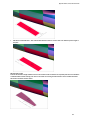
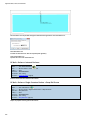
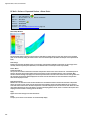
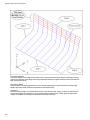
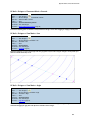
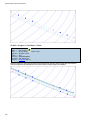
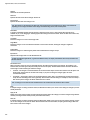
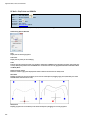
Lower Plate Edge
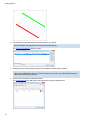
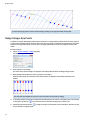
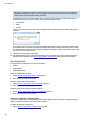
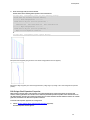
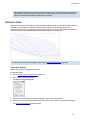
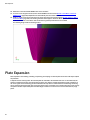
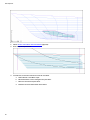
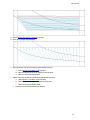
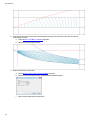
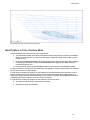
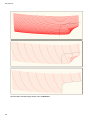
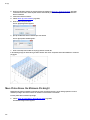
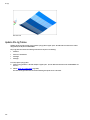
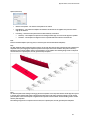
The lower plate edge will be the 0 girth line in the 2D expanded view.
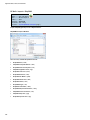
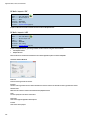
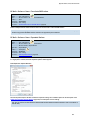
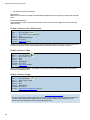
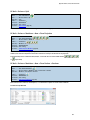
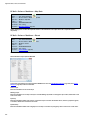
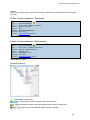
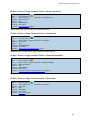
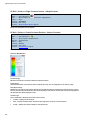
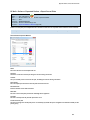
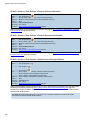
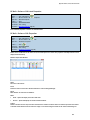
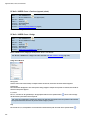
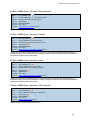
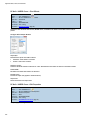
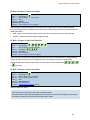
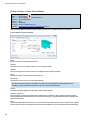
SC Hull > Stringer Shell > Edit Properties
Ribbon ............ Hull > Stringer Shells >
Menu ............... SC Hull > Stringer Shell > Edit Properties
Right-click ...... Edit Shell Properties
Toolbar............ Hull Stringer >
Command ...... SCSTREDITSHELL
Permissions ... Hull > Edit Stringers
Procedure....... Edit Stringer Shell Properties (page 82)
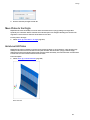
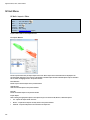
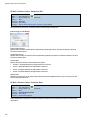
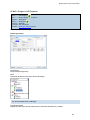
Edits the properties of a stringer shell.
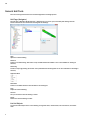
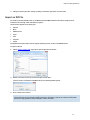
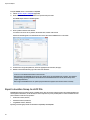
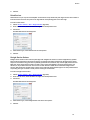
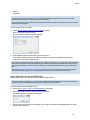
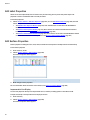
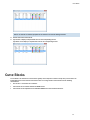
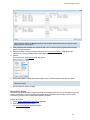
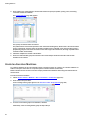
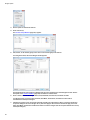
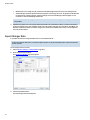
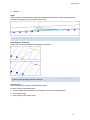
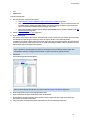
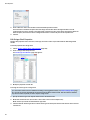
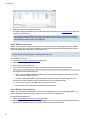
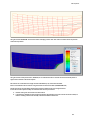
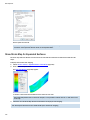
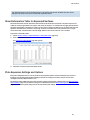
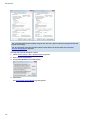
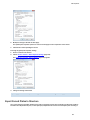
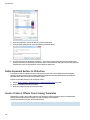
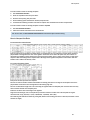
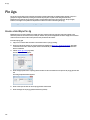
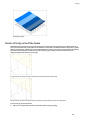
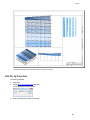
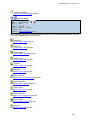
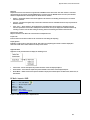
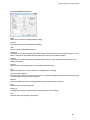
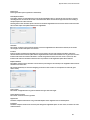
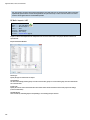
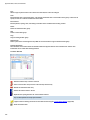
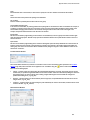
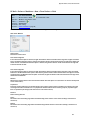
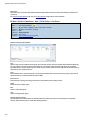
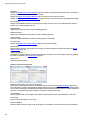
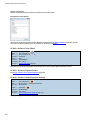
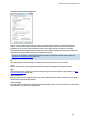
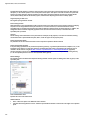
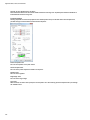
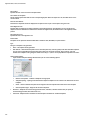
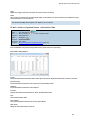
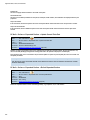
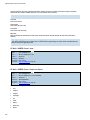
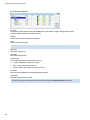
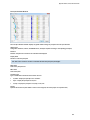
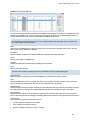
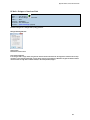
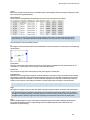
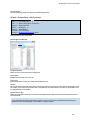
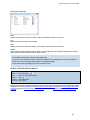
Edit Stringer Shell Window
Stringer Shell Name
Allows the user to set the name of the stringer shell.
Section Name
Editable for each section (row) in the list.
Section Type
Select Control Section, Visible, or Invisible from this drop-down list.
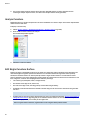
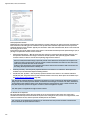
Location
This column shows the location of the section. If the stringer shell is of type frame, then the location corresponds to the Xaxis location. If the shell is of type buttock, then it corresponds to the Y-axis location. If the shell is of type waterline, then
it corresponds to the Z-axis location.
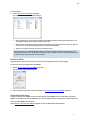
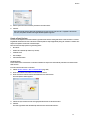
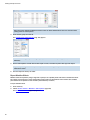
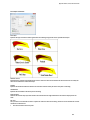
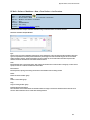
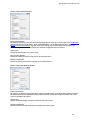
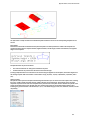
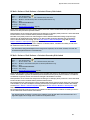
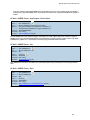
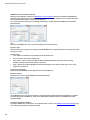
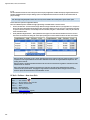
Fill Down Section Type
Allows for changing the section type of several rows by filling the Section Type of all selected rows with the value in the
first selected row.
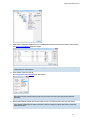
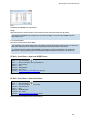
Note: Alternately, if you right-click on any Section Type value you may set the values for multiple sections to the value
of the right-clicked cell using the Fill All Section Types (if only one row is selected) or Fill Selected Section Types (if
multiple rows are selected using Ctrl + click and Shift + click) menu option.
219