1
Stray Current Mapper-User Manual
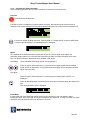
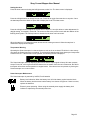
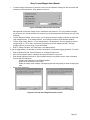
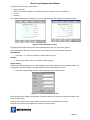
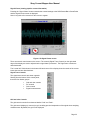
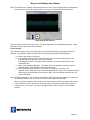
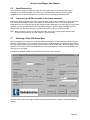
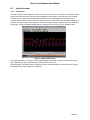
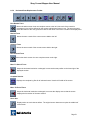
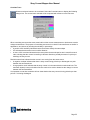
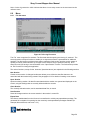
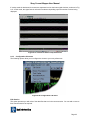
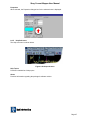
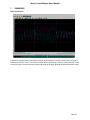
The figures at the top of the screen show:
•
•
•
•
Depth of pipeline
Offset of the SCM SensorBar or SmartProbe from the top dead centre of the pipeline
Current
Accuracy
The software calculates the readings from the four magnetometers and displays the averaged results.
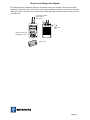
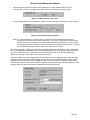
Figure 4.16 Locate Viewer screens
The figures at the bottom of the screen are for Radiodetection use only and can be ignored.
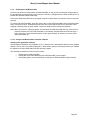
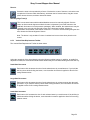
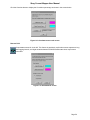
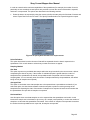
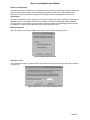
Use the ‘Interrupter ID’ field to select the same code as that selected on the Smart Interrupter.
Interrupter ID
•
Press the + or – button to increase or decrease the ID by one.
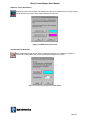
Re-Start
•
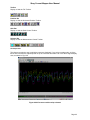
Press the ‘Re-Start’ button to re-initialise another reading.
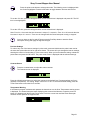
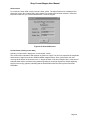
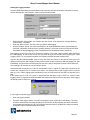
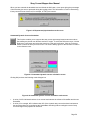
Adjust Scaling
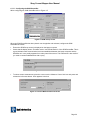
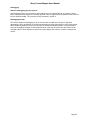
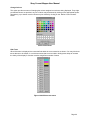
Adjusting the scaling enables you to read the diagram more clearly. Measurements represent metres. It is
not possible to alter the format to read Imperial (feet and inches) measurement units.
•
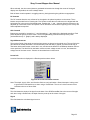
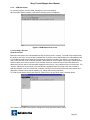
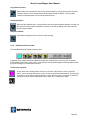
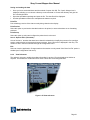
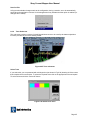
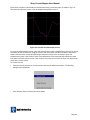
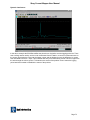
Press the ‘Adjust Scaling’ button to open the dialogue box as shown below.
Figure 4.17 Scaling and extents screen
When the figures are changed, pressing the OK button re-draws the vectors and returns the display to the
Locate Viewer screen.
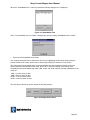
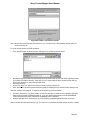
Press the ‘Exit’ button on the ‘Locate Viewer’ screen to return to the SCM Set-up screen.
Press the ‘Exit’ button on the SCM set-up screen to exit the program.
Page 31