1
Stray Current Mapper-User Manual
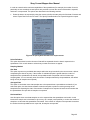
SmartMedia card removal
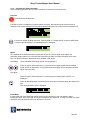
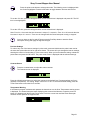
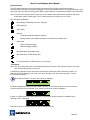
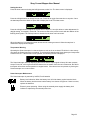
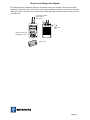
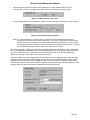
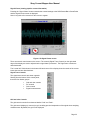
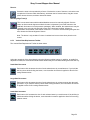
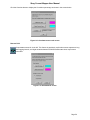
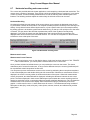
To remove the SmartMedia card
•
•
•
•
Ensure the SensorBar is switched off.
Remove the battery from the SCM SensorBar
Push down the raised arm next to the card. This releases the card and allows it to be removed
Lift the card from its slot, taking care not to damage the card.
Fitting the SmartMedia card into the laptop computer
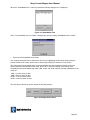
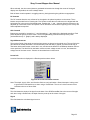
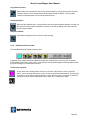
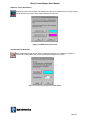
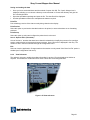
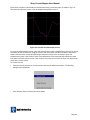
To enable the card to be inserted into the laptop computer the laptop computer must have a SmartMedia
adapter, available from computer supply stores. There are two versions of adapter currently available:
•
•
Floppy drive version (this fits into a floppy drive in the same way as a normal floppy disk).
PCMCIA version. This is for laptop computers only.
Follow the manufacturer’s guide for instructions on how to install the adapter and fit a SmartMedia card
into the adapter.
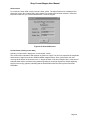
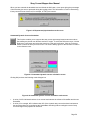
Before viewing the log files it is good practice to copy them to a directory on the laptop computer hard
drive. Do this for all SmartMedia files that you wish to read. To copy files to the hard drive proceed as
follows:
•
•
•
•
•
Ensure that the SmartMedia card adapter is fitted to the laptop computer and a SmartMedia card is
fitted in the adapter.
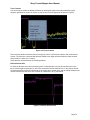
Open Windows Explorer
Make a new directory and give it a meaningful name.
Under ‘Folders’ click on the drive letter that contains the SmartMedia card files.
Select the files that you wish to save, select ‘copy’, and ‘paste’ them into the new directory.
6.2
Reading the Datalog
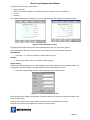
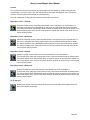
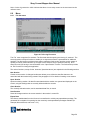
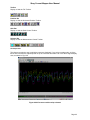
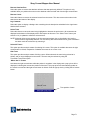
SmartMedia cards are read using the Data Viewer Software. When the application software is installed,
an icon, titled ‘SCMViewLog’, is automatically placed on the laptop computer desktop. To open the
program, click the icon.
6.2.1
Data Log Files
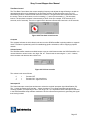
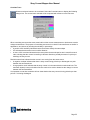
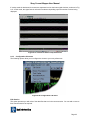
Each data file from the SCM SensorBar has a time stamp to enable it to be time-aligned with other data
files captured during the same session.
In addition, each data file also has its own header block that is saved when the log is started and in which
miscellaneous information is stored, such as comments describing the location where the data was
captured, locate information, depth of the pipe, and offset.
Page 43