1
More Security, More Convenience
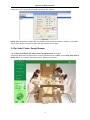
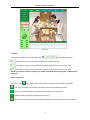
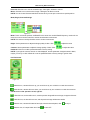
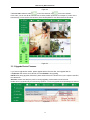
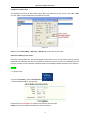
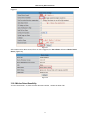
Figure 3.5
Channels:
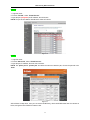
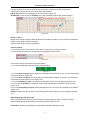
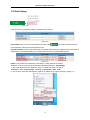
Our IE software supports 9 channels totally. Click
can get different windows.
: Click this one, you can view the main channel of the camera you login.
: Click this one; you can view 4 Channels of cameras which connected, from CH1 to CH4.
: Click this one; you can view 9 Channels of cameras which connected, from CH1 to CH9.
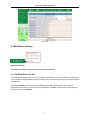
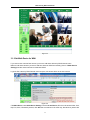
NOTE: If you want to vie w 4/9 channels, you should set the Multi-Device firstly (See 3.1 Multi-Device
Settings)
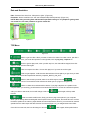
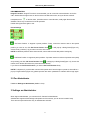
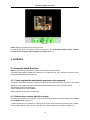
Status of Channels:
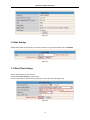
There are 9 icons
at the bottom of the UI which show the status of each channel of the camera.
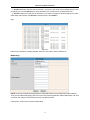
: Grey color, means there is no device connected to the main device from this channel.
: Green color, means the device connected from this channel, and it works well.
: Red color, means the device of this channel is recording.
: Yellow color, means set this channel in multi-device already, but it fails to connect to the main device .
16