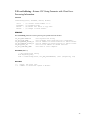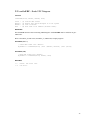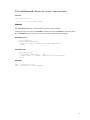
1
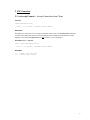
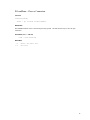
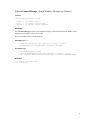
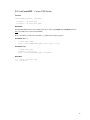
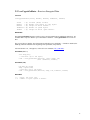
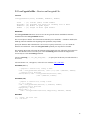
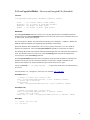
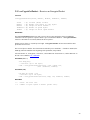
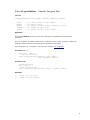
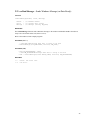
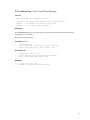
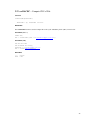
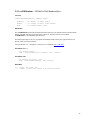
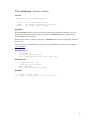
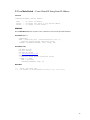
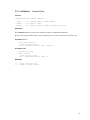
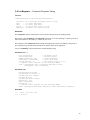
2.13 cscCryptoGetFile :: Receives an Encrypted File.
SYNTAX
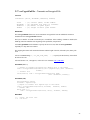
cscCryptoGetFile(vSock, FileName, PadChars, PadLen)
vSock
Filename
PadChars
PadLen
:
:
:
:
(I)
(P)
(P)
(I)
Virtual (data) socket number.
Filename (not path) for incoming file or NULL.
Buffer of “pad” bytes.
Length of above ‘pad’ buffer.
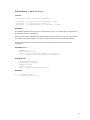
REMARKS
The cscCryptoGetFile function is used to receive an encrypted file from an established connection
transmitted from the cscCryptoPutFile function.
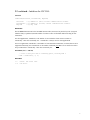
The received bytes in ’Buffer’ have been XOR’ed with the bytes in ’PadChars’ . If PadLen < BufLen, the
XOR’ing continues in Buffer at the beginning of the pad buffer (wrap around).
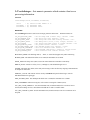
Specify the filename under which the file is to be saved, or specify an asterisk (“*”) to save under the
filename sent with the file. Then call cscCryptoGetFile repeatedly in a loop until 0 is returned.
The incoming data stream will contain the filename and the length of the file, followed by the (binary) file
itself. The filename can be recovered by use of the cscGetString function and the file length can be
recovered by use of the cscGetInteger function.
Also see cscSetString(-1, CSC_SET_FILE_PATH,...) to specify the file directory into which the file is
to be saved.
Also read Section 2.11, “Encryption”, in the CSC User’s Manual (CSC_USR.PDF).
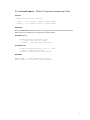
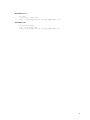
EXAMPLE (C/C++)
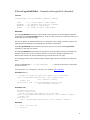
// prepare to receive file, saving to disk
Code = cscCryptoGetFile(DataSock, (char *)"*",(char *)PadChars, PadLen);
// receive file in 4K blocks
while(Code!=0) Code = cscCryptoGetFile(DataSock, NULL,
(char *)PadChars, PadLen);
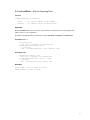
EXAMPLE (VB)
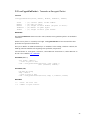
' prepare to receive file, saving to disk
X = "*" + Chr(0)
Code = cscCryptoGetFile(DataSock, X, PadChars, PadLen)
// receive file in 4K blocks
EmptyString = Chr(0)
While Code <> 0
Code = cscCryptoGetFile(DataSock, EmptyString, PadChars, PadLen)
RETURNS
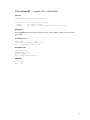
< 0 : Error. See error list.
>= 0 : No error.
18