1
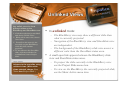
Linked Views
To return to Linked mode
from Unlinked mode at
any time click the
trackwheel or trackball
•
and select Link
•
•
Views.
To use link views to
advance slides while still
viewing notes with link
views on, click the
trackwheel or trackball
and select Next
Notes.
Advance to the next slide
using linked views. (With link
views on, click the trackwheel
or trackball and select Next
Notes. )
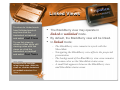
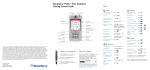
The BlackBerry view may operate in
linked or unlinked mode.
By default, the BlackBerry view will be linked.
In linked mode:
– The BlackBerry view remains in synch with the
ShowMate
– Navigating the BlackBerry view affects the projected
presentation
– The background of the BlackBerry view area remains
the same color as the ShowMate status area
– A small link appears between the BlackBerry view
and ShowMate status areas