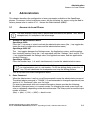
1
beispiele.fm
Examples and HowTos
How to Create Logo Files for OpenStage Phones
2.
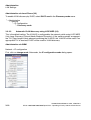
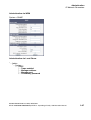
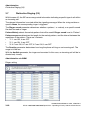
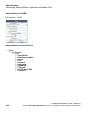
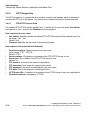
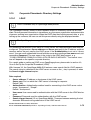
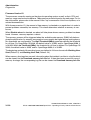
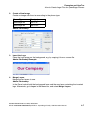
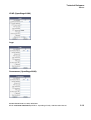
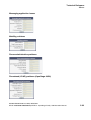
Create a New Image
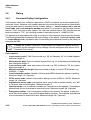
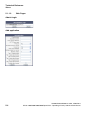
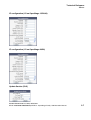
Create an image with the size according to the phone type:
Phone Type
Size (px)
OpenStage 60
240 x 70
OpenStage 80
480 x 142
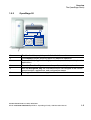
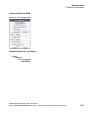
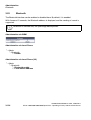
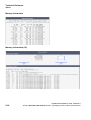
Adobe Photoshop:
3.
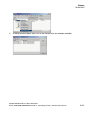
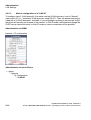
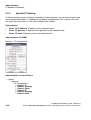
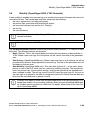
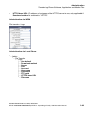
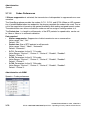
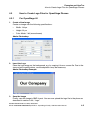
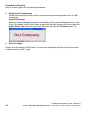
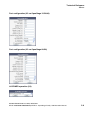
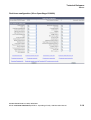
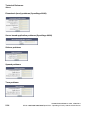
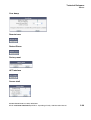
Insert the Logo
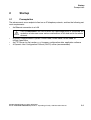
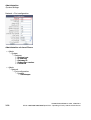
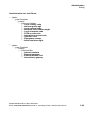
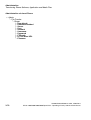
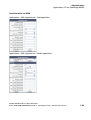
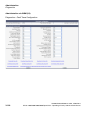
Place the logo image on the background, e.g. by copying it from a source file.
Adobe Photoshop Example:
4.
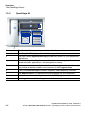
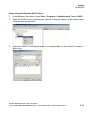
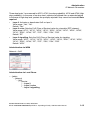
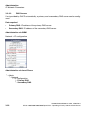
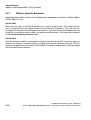
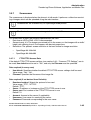
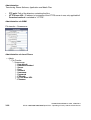
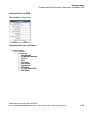
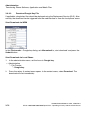
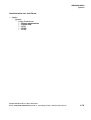
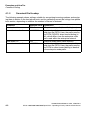
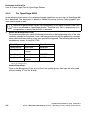
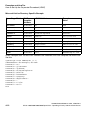
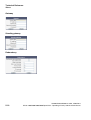
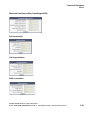
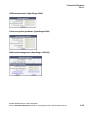
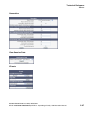
Merge Layers
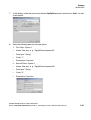
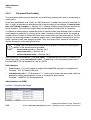
Merge the two layers to one.
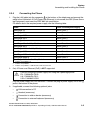
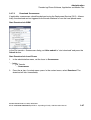
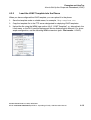
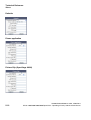
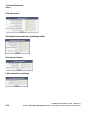
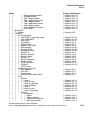
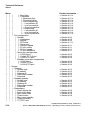
Adobe Photoshop:
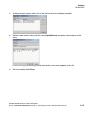
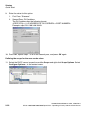
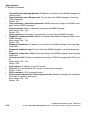
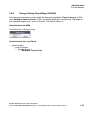
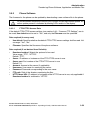
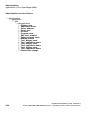
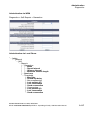
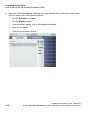
In the Panel, select both the background layer and the new layer containing the inserted
logo. Afterwards, go to Layer in the Menu bar, and select Merge Layers.
A31003-S2010-M100-15-76A9, 10/08/2011
HiPath 2000/3000/4000/5000/OpenOffice - OpenStage Family, Administration Manual
4-7