1
MapDigit Guidebee Navigator User Manual Ver. 1.0
Page 7 of 17
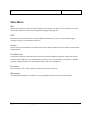
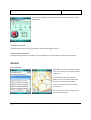
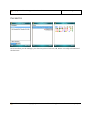
MAIN MENU
MAP
Map menu include zoom the full to the smallest world map to see where current location is on the
world map. And select some map settings like language, map type etc.
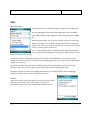
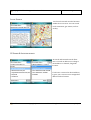
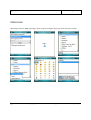
GPS
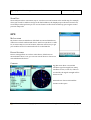
GPS menu selects internal GPS or external Bluetooth GPS device, view current satellites signal
strength, and go to current GPS location etc.
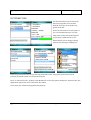
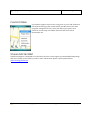
SEARCH
Search menu provide address search based on streets name, business name, IP address and latitude,
longitude pair.
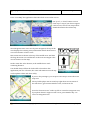
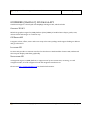
GET DIRECTION
Get Direction menu provides function to find route among multiple waypoints, waypoints can use
newly searched addresses or saved favorites locations or current location as start point or middle
point etc. display details route information and provide voice navigation.
FAVORITES
Favorites allow user to add, modify or delete some point of interests.
MESSENGER
A useful MSN messenger client allows you to login MSN and chat with your online friends.
Guidebee Biz
Copyright© 2008-2012 Guidebee .All Rights Reserved
Date: 18/11/09