1
Chapter 3. Cloning Around
Some public hosts, such as repo.or.cz (http://repo.or.cz), will have a different method for setting up the
initially empty Git repository, such as filling in a form on a webpage.
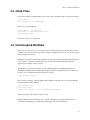
Push your project to the central server with:
$ git push git://central.server/path/to/proj.git HEAD
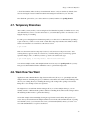
We’re ready. To check out source, a developer types
$ git clone git://central.server/path/to/proj.git
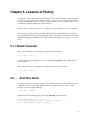
After making changes, the code is checked in to the main server by:
$ git commit -a
$ git push
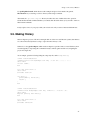
If the main server has been updated, the latest version needs to be checked out before the push. To sync
to the latest version:
$ git commit -a
$ git pull
3.3. Forking a Project
Sick of the way a project is being run? Think you could do a better job? Then on your server:
$ git clone git://main.server/path/to/files
Next tell everyone about your fork of the project at your server.
At any later time, you can merge in the changes from the original project with:
$ git pull
3.4. Ultimate Backups
Want numerous tamper-proof geographically diverse redundant archives? If your project has many
developers, don’t do anything! Every clone of your code is effectively a backup. Not just of the current
state, but of your project’s entire history. Thanks to cryptographic hashing, if anyone’s clone becomes
corrupted, it will be spotted as soon as they try to communicate with others.
10